Key Highlights
- Power cycling means turning your device off and then on again. It is an easy fix that helps with many internet connection and connectivity issues.
- This step can make your network faster. It clears away old data and lets your device’s software start fresh.
- Power cycling is not the same as pressing the reset button. A reset will erase your settings and send your device back to factory defaults.
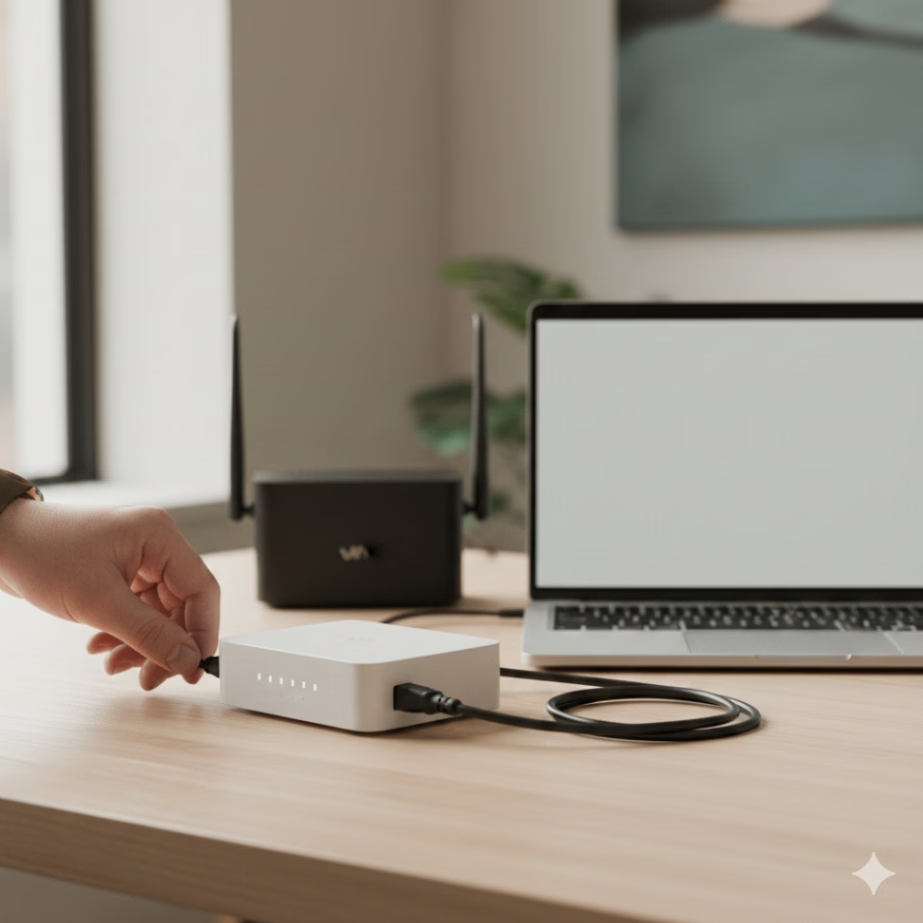
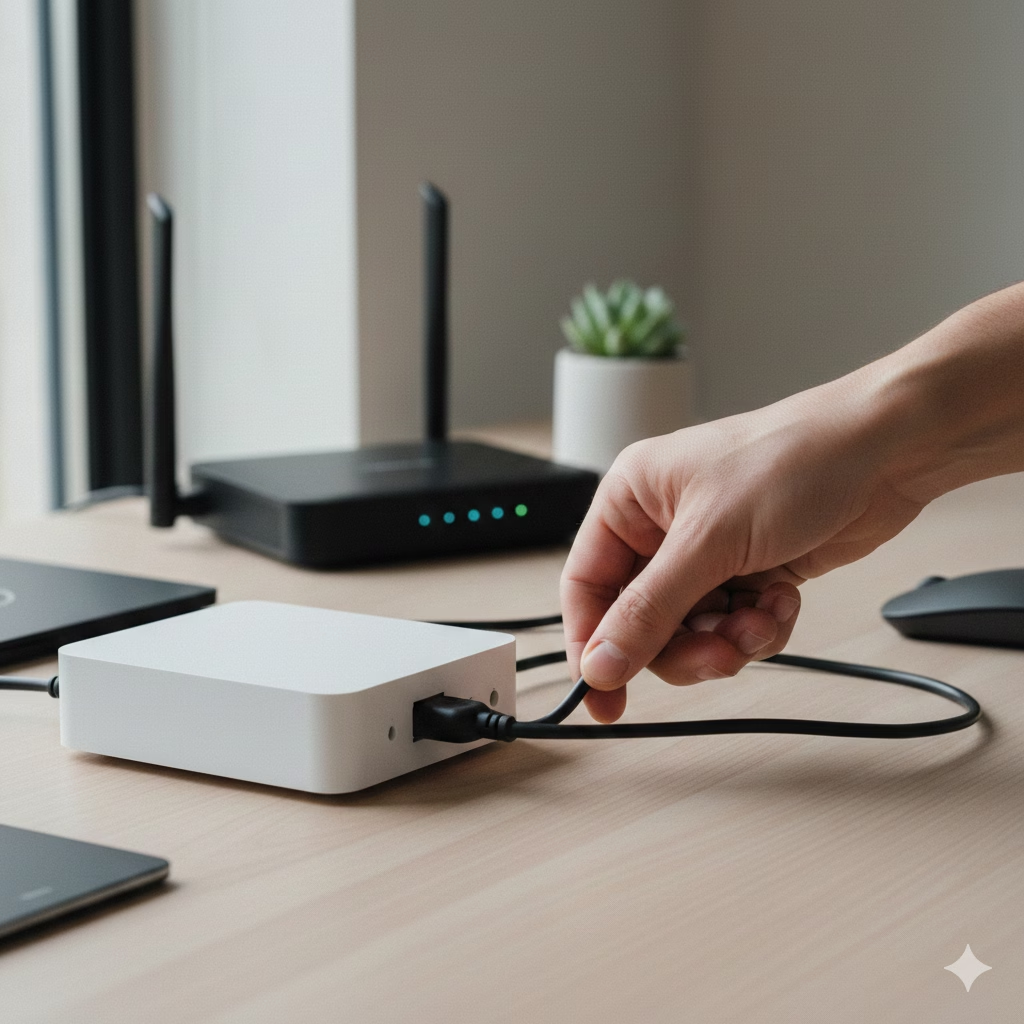
- To do a power cycle the right way, unplug your modem and router. Wait about a minute. Plug them back in, one after the other.
- Doing this often can keep your network performance strong. It’s a good first thing to try if you have connectivity issues.
Introduction
When your internet connection stops working or gets very slow, there is an easy fix you can try. Power cycling your modem and router is a basic way to solve many connectivity issues. A lot of people use this step with good results. This guide will give clear and simple steps anyone can follow. You will learn what power cycling means, why it helps, and how you can do it the right way. This will get your internet and network back to normal for your home or small business.
What Is Power Cycling and Why Does It Help Internet Connections
Power cycling is when you turn a device off and then back on by cutting off its power source. People often do this with networking devices like modems and routers. This helps get rid of temporary memory, or cache, from the device. By doing this, it can fix small issues in the device software that sometimes hurt network performance.
This quick restart makes the device connect again to your internet service provider (ISP). Many times, this is a good fix for lots of internet connectivity problems. It can help your computers, tablets, and smart home devices get back online. It brings back your Wi-Fi and can make it work better, but it does not touch any of your saved settings or configurations. Now, we will talk about this process in a simple way and show how it works for your internet connectivity.
Definition of Power Cycling for Modems and Routers
For your modem and router, power cycling is not just about pressing the power button. You have to unplug the power cord from the power outlet. This will make sure the device shuts off all the way. When you do the right power cycling, all inside parts of the modem or router can reset fully.
This process is not the same as a quick reboot done in an app or a restart using the power switch. These ways can be good for some things. A full power cycle goes deeper. It makes sure all extra electricity in the inside parts of the device is gone. That way, the device software will start like new.
Power cycling is not the same as doing a factory reset. A factory reset needs you to press a small reset button. When you do this, it wipes out all of your own device settings. This means you will lose your Wi-Fi password and network setup. Power cycling just means restarting the device, and it does not touch your saved settings. So, power cycling is a good first step when you have internet connection problems with your internet. This way, you can restart your device without losing anything.
How Power Cycling Improves Network Performance and Stability
Your router and modem act like small computers. Over time, they can slow down because they hold on to extra stuff in their memory, called the cache. Doing power cycling helps fix this. Power cycling means turning the modem and router off and on again. This clears the cache and gets rid of old data and error logs. It can help fix connection issues and make your network performance and internet speed better.
Small bugs or problems in the device’s firmware, the software that makes your device run, can happen over time. When you restart the device, it clears out these issues. A restart lets the device software work better and smoother. This helps your Wi-Fi stay steady for all your devices, including smartphones and smart home devices.
The process makes your modem set up a new and clean link to your internet service provider (ISP). This can help fix problems with logging in or IP address mix-ups that may cause internet connectivity issues. When this happens, you get a faster and more steady internet connection. It also makes your internet more reliable and better to use by solving these connectivity problems with your ISP.
Power Cycling vs. Factory Reset: Understanding the Differences
It is important to know the difference between power cycling and doing a factory reset. These two things have different purposes and do not lead to the same outcome. Power cycling is when you restart the device by turning it off and then back on. This is a quick way to fix some connection issues. It does not change your system or its settings.
A factory reset is a big step that clears everything off your device. This means it will erase your personal information, like the Wi-Fi name and password, all your custom dns servers, and any other configurations. When a factory reset is done, the device software will go back to its original factory settings. We will talk about the right times to use each method.
Comparing Power Cycling, Rebooting, and Factory Reset
Understanding what “power cycle,” “reboot,” and “factory reset” mean can help you find the best fix for your network problem. A reboot is when you use the power button or a command to make the device start again. A power cycle is a deeper reset. You unplug the device from power and plug it back in to restart it.
A factory reset is not the same as other reset options. You need to press a small reset button that is set deep in the router. When you do this, it will erase all the settings and configurations you have added. The router will go back to the way it was when you first got it. You will have to set up your network again from the start and enter the default router password.
Here is a simple breakdown:
| Action | What It Does | Effect on Settings | When to Use |
|---|---|---|---|
| Reboot/Restart | Restarts the device software. | None. All settings are kept. | First step for minor glitches. |
| Power Cycle | Completely cuts power to reset hardware and software. | None. All settings are kept. | For slow internet or connection drops. |
| Factory Reset | Wipes the device and restores original settings. | All custom settings are deleted. | Last resort; if you’re locked out or have persistent issues. |
When to Choose Power Cycle Instead of Reset Modem and Router
You should try to power cycle your equipment before you think about a factory reset. A power cycle is the best thing to do for most internet connection problems. If your internet is slow, cuts out often, or you can’t get on Wi-Fi, start with a power cycle. There is no risk with this step, and it will fix a lot of network issues without removing anything.
A factory reset should be the last thing you try. When you do a factory reset, you lose all your personal network setups. This includes your Wi-Fi name (SSID), password, and any settings you set up using the app or web interface. You will need to set up everything again to get your network working.
It is best to try a power cycle when you have routine problems with your router. A factory reset should only be used if you cannot get into your router’s settings, have forgotten the password to log in as admin, or if technical support tells you it is needed. A factory reset is for when you still have connection issues and a power cycle does not solve them.
When and Why You Should Power Cycle Your Modem or Router
You should know when to power cycle your modem or router to fix internet connection problems. If your internet speed drops, your Wi-Fi is not stable, or you lose your internet altogether, it is a good idea to restart the device. This is the first thing you should do when you face connectivity issues. A quick restart can help your internet work well again.
Think of a power cycle like giving your home network a fresh start. You do not need to do this at set times or on a regular basis. A power cycle is a quick and easy way to try and fix most connection issues. Now, let’s go over the problems that a power cycle can solve.
Common Connectivity Issues Fixed by Power Cycling
Restarting your router can help solve many connectivity issues. When you reboot, it clears out small problems that can slow down network performance for your computer, smartphones, tablets, or any other connected devices. This simple step often works fast and can make everything run better.
A power cycle is often the solution for:
- No Internet Connection: If your devices show they are on Wi-Fi but you still cannot get to any websites, the internet connection may have a problem.
- Slow Internet Speeds: If downloads take a long time or your videos keep stopping to load, a restart of the system can help make your internet speed better.
- Frequent Wi-Fi Drops: If your devices keep going off the Wi-Fi for no known reason, a quick reboot is often needed.
- Smart Home Devices Not Responding: If your smart home devices like speakers or lights do not work or do not answer, do a restart. This can get them online again and fix the internet trouble.
When you do a power cycle, you help fix problems with the internet connection. A power cycle makes the modem, router, and all devices start fresh. Many times, this action clears up most internet connection problems right away.
Signs That Indicate a Modem Router Reboot Is Needed
Your network gear will often show signs when it needs restarting. If you pay attention to these, you can fix connection issues before they get worse. A quick reboot can bring your internet connection back to full speed.
Look out for these signs that mean your device may need a reboot:
- Unusually Slow Speeds: Web pages take a long time to show up. Video streams keep buffering, even though you pay for fast internet connection.
- Frequent Drops: The Wi-Fi goes out often and comes back. This stops your work or streaming.
- Unresponsive Smart Home Devices: Smart home devices like speakers, cameras, or thermostats do not work with their app. They do not react to what you want them to do.
- Abnormal Status Lights: The lights on your modem or router blink in a way that’s not normal, look red or orange, or go off when the light should be on.
If you see any of these signs, the first thing you should do is restart your modem and router. This can help fix connectivity issues.
Step-by-Step Instructions: How to Power Cycle Your Modem and Router
To fix internet problems, you need to power cycle your modem and router in the right order. Do not just unplug and plug them back without waiting or following the right steps. If you do it the right way, you will have a full and good restart. This helps the modem and router work better. A proper power cycle can solve many internet issues.
This way is safe and easy to do. When you go step by step, it helps every device restart the right way. It also lets each device get back online and keeps the internet working. You need to do things in the correct order for power cycle. The steps below show you how.
Safe Modem Router Reboot Steps and The Correct Order
It is important to follow the correct steps when you do a power cycle. If you own both a modem and a router, the order you use is key. If you rush or plug the devices in the wrong way, your connection might not come back like it should.
Use these steps for a thorough and safe restart:
- Step 1: Unplug Both Devices. Take the power cords for your modem and your router out of the power outlet. Do not only use the power button for this.
- Step 2: Wait. Keep both devices unplugged for at least 60 seconds. This step is a must.
- Step 3: Plug in the Modem First. Put the power cord back into your modem only. Wait 1 to 2 minutes for it to turn on and connect with your ISP. The lights on your modem will stop blinking when it’s ready.
- Step 4: Plug in the Router. When you see the modem lights are steady, plug the power cord back into your router. Wait again for 1 to 2 minutes for your router to turn on and start sending out Wi-Fi.
- Step 5: Test Your Connection. Try to go to a website with a device that is connected.
This clear way of power cycling makes sure that your
How Long to Unplug Modem and Router for Effective Power Cycling
The best time to keep your modem and router unplugged during a power cycle is at least 60 seconds. You might want to plug them back in right away, but waiting is very important for a good restart. It is better to wait because this will help fix the problem, instead of having to try a power cycle again.
The wait time is needed to let all leftover power inside the device go away. You need to wait, because if you plug it back in too soon, the device may skip a full reboot. In that case, the cache and temporary memory might not clear right. This means the device software could keep the same glitch. So, giving it enough time helps make sure the reboot works well.
By waiting for a full minute, you make sure that the memory in your modem and router is cleared. This helps the firmware start fresh when you plug the devices back in. Doing this gives you a good chance to fix any internet connection issues, and it does not change your saved settings.
Practical Checks Before and After Power Cycling
Before you think that a power cycle has fixed your connectivity issues, it’s good to do a few simple checks. Look at your hardware and be sure your connections are tight. This can help you find out if everything is working the right way or if the problem is with something else, like a loose cable.
Checking your modem and router before and after you turn them off and on can help you save time. Look at the status lights and make sure the cables are in the right place. This will help you keep your internet connection stable. It also means you can get the internet speed you want. The sections below will show you what to check for when you do these steps.
Inspecting Status Lights and Cable Connections
The status lights on your modem and router can tell you a lot about how your internet connection is doing. Before you do a power cycle, look at these lights and see what they show. After you are done, check them again. Different brands have different patterns, but there are a few general rules that most use.
A solid green light on your modem is usually a good sign. Here is what you should look for on your modem:
- Power Light: This should be solid green. It means the device has power.
- Receive/Downstream Light: This needs to be solid green or blue. It shows that the device got a signal from your ISP.
- Send/Upstream Light: This light should be solid too. It means your device can send data back to the network.
- Online/Internet Light: A solid green or blue light means you have internet. A blinking light can show that data be moving.
- Activity/Link Light: This light usually blinks. It lets you know data is moving over the ethernet connection.
Before you restart, make sure all cables are connected right. Check if the coaxial cable is screwed in tight to the cable modem and the wall. The ethernet connection from the modem to the router should also be plugged in well at both ends.
Confirming Proper Modem and Router Function After Power Cycling
After you finish the restart and the status lights on your router look normal, check your internet connection. Do not just guess that the problem is gone. To test the internet in the best way, connect your computer right to the router with an Ethernet cable. This helps you to skip any possible Wi-Fi problems.
After you see that the wired connection works, try your Wi-Fi. Connect a smartphone or laptop in your house to the Wi-Fi network. Then, use it to visit different websites. If the pages come up fast, your internet connectivity is back and working.
To see how well your internet is working, use a good online tool to test your internet speed. The test will show download and upload speeds. This can help you check if the power cycle has helped your internet work better. If you still have connection issues, you may have to try other ways to fix the problem.
Power Cycling Best Practices: Frequency and Safety Tips
Power cycling is a good way to fix connection issues with your networking devices. You may ask how often you should do this. Restarting your devices on a regular basis can help stop problems before they happen. But if you do it too often, it will not be needed and could hide a bigger problem.
Taking care of how often you restart your modem and router can keep your internet connection stable. It can also help your equipment, like your modem and router, last longer. The sections below will tell you more about how often to power cycle your equipment and give tips to avoid risks.
How Often to Power Cycle Router Without Causing Issues
There is not one perfect answer for how often you should power cycle your router. A good idea is to restart it every month or every two months. This helps to stop small problems before they hurt your internet connection. It can keep your network performance strong and your internet working well.
You do not need to power cycle your router every day or on a regular basis if your internet is working well. If you have to restart it often because of connectivity issues, there may be a deeper problem. Constant power cycles can mean your router is failing, its firmware is out of date, or there is something wrong with your internet service.
For most people at home or small businesses, you only need to restart your computers and smart home devices once a month or every two months. This is enough to keep everything working well and will not mess up what you have saved or changed.
Risks of Excessive Power Cycling and Devices to Avoid
Power cycling is safe most of the time. But you should not do it too often. Turning your networking devices off and on several times a day is not a good idea. The risk to your hardware is low. The main thing to watch out for is that rebooting many times can hide a bigger internet problem. It may only fix things for now instead of solving the issue for good.
If you have to keep turning your modem or router on and off to keep the internet connection working, it is a strong sign that the modem or router might not work right. It could also show that there are ongoing connection issues with your internet provider. If you are doing a hardware reset every day, it means you need to look into the problem more.
Rather than keep restarting your device, try to find what is wrong. It could be getting too hot. The device software or firmware may need an update. Sometimes, your device just needs to be replaced. Fixing the main issue will help more than power cycling again and again. If you want good help for small business technology, talk to professional IT support services.
Troubleshooting: What to Do If Power Cycling Does Not Solve the Problem
Sometimes, doing a power cycle does not fix your internet connection problems. If you have done a full restart and your internet is still not working or is not stable, you need to try other ways to fix it. This often means the problem is not just a simple software issue.
Before you call your internet service provider (ISP), you can check a few things by yourself first. These steps can help you fix the problem with the internet. They also help you find important details. This info can make your call with technical support go better and take less time.
Next Steps Before Contacting Technical Support
If power cycling does not work, you can try a few more checks to find the problem. Having this information ready will be good if you need to call your internet service provider for help. This is an important step and is something that small business tech support services often do.
Before calling your ISP, try these steps:
- Check for Service Outages: Go to your ISP’s website on your smartphone using cellular data. See if there is any known problem with internet service around your area.
- Bypass the Router: Take the Ethernet cable out of the router and plug it into a computer. If your internet works then, the router might be the issue.
- Verify Status Lights Again: Look closely at the status lights on your modem. If the “Online” or “Internet” light is off or red, the internet connection has a problem. At this point, your ISP needs to fix it.
- Check All Cables: Make sure every cable like power, coaxial, and Ethernet is really plugged in tight at both ends. A loose plug can often cause internet trouble.
Having this information ready can help the support agent find out what is wrong with your connection issues much faster.
Alternative Fixes Beyond Power Cycling
If a power cycle does not fix the problem, you can try some other steps before you ask someone for help. These steps may take a bit more time, but they can often solve network problems that a normal restart does not fix.
Consider trying these alternative fixes:
- Check for Overheating: Touch your modem and router to feel if they are hot. If they feel hot, they may be overheating. Unplug them and give them time to cool off completely in a place with plenty of air before you use them again.
- Update Firmware: Go into your router settings using a web browser. Look for new firmware updates and install any you find. Old software can cause trouble or leave you open to security risks.
- Change Wi-Fi Channel: When your Wi-Fi is slow, your network could be running on the same channel as others nearby. Go into your router settings and pick a different Wi-Fi channel that is less crowded.
- Perform a Factory Reset: A factory reset is a last step when nothing else works. Keep in mind, this will clear all your settings, so only do it if you are ready to set up your modem and router all over again.
If none of these steps help with your connection issues, it may be time to contact your internet service provider. You can also get help from a professional IT support service. They can help you find and fix the internet problem.
Conclusion
Power cycling your modem can help improve your internet connectivity. When you turn your device off and then back on, you reset its configurations. This simple step often fixes many network issues and helps your modem work better. If you have trouble with your internet, try power cycling first before you contact your internet service provider.
Doing this often with your networking devices can stop problems from happening. For small businesses, regular power cycling keeps your internet running strong. It also makes sure your smart home devices and computers stay connected and work well all the time.
Frequently Asked Questions
Will power cycling my modem change any network settings?
Power cycling your modem is a way to reset the device to help it work better. It does not usually change how your network is set up. But if there are certain configurations saved on your modem, they could go back to default if not saved the right way. Always look at your settings after you do a power cycle.
Is it necessary to unplug both modem and router every time?
You do not always need to unplug both the modem and router for every power cycle. Many times, unplugging just one is enough. But, if you have ongoing connectivity issues, unplugging both can help. This action gives your connection a fresh start and can boost network performance if there are any problems with connectivity.
Does power cycling work for all modem and router models?
Power cycling usually works with most modem and router models. It resets the device’s settings and can fix connectivity issues. But, some models can have their own rules or limits. For your device, you should read the guidelines from the maker.