
Chris Hobbick · Stamford, CT · New York City
You run the business.
I’ll sort out the tech.
I’m Chris Hobbick, Principal Consultant at First-Rate Tech Corp. 20+ years fixing tech for NYC small businesses.
I build and fix websites, Shopify stores and software, and automate the work your team keeps doing by hand.
Make money. Save time. Make the business easier to run.
Tell me what’s not working
Principal Consultant, First-Rate Tech Corp.
When people call me
You don’t have to
figure it out alone.
You know your business. You shouldn’t have to know which system broke—or who to call to fix it.
“The website looks fine.
It just doesn’t bring in business.”
“We enter the same information
in three different places.”
“The person who built it is gone.
Nobody knows how it works.”
Start with what’s happening. I’ll work out what needs fixing.
The work
The problems clients brought me, and what I changed.

NY Metro Sleep · Website
This sleep study clinic was getting website visitors, but no new appointments were being booked.
I added two clear calls to action: book a sleep study or refer a patient. I fixed the forms, made the site easier to navigate and use on smartphones, and put extra work into local SEO to help nearby patients find the clinic.
6–7 new sleep studies booked each week
Within 60 days · reported by the clinic
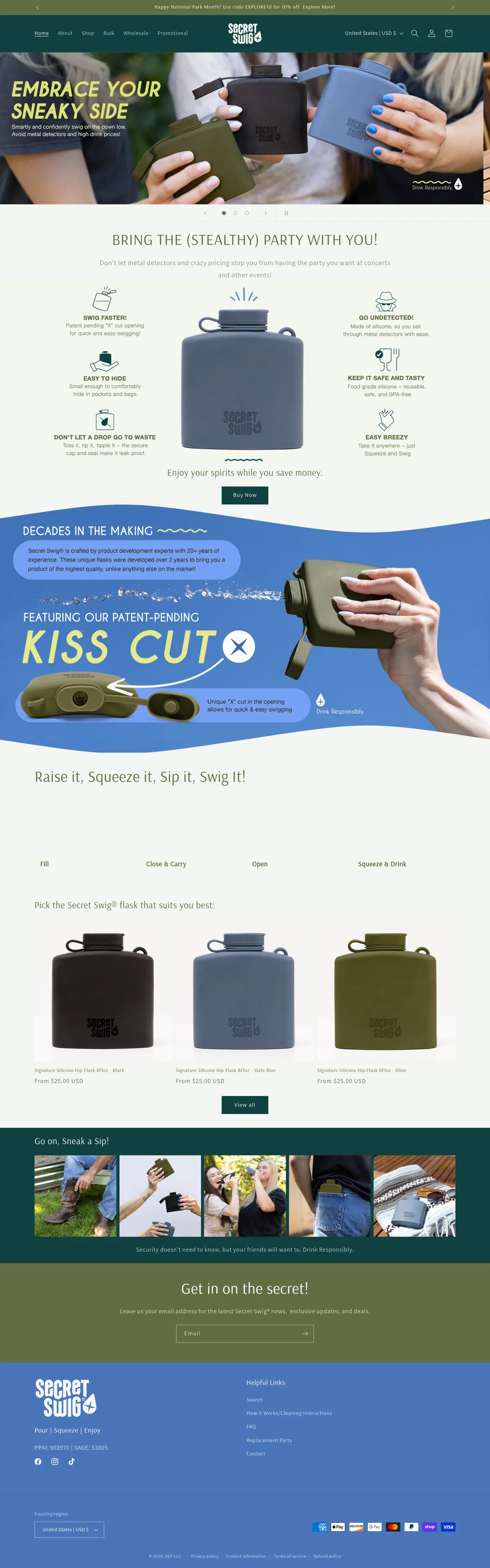
Secret Swig · Shopify & Automation
Secret Swig’s store looked good, but wholesale pricing, shipping and engraving orders weren’t working properly.
Wholesale customers were seeing the wrong prices. Shipping rules didn’t match the buyer type, the engraving feature was broken, and old products and apps had accumulated.
I corrected the customer groups and pricing, separated retail and wholesale shipping rules, repaired engraving orders, and removed unused products and apps.
Customers could order with the right prices, shipping options and engraving details.
Make It Rain · Field-service software
Make It Rain needed to manage 600 customers without every job going through the owner.
Pete was managing customer requests, scheduling and job details through his phone and memory. The office kept having to chase him for information.
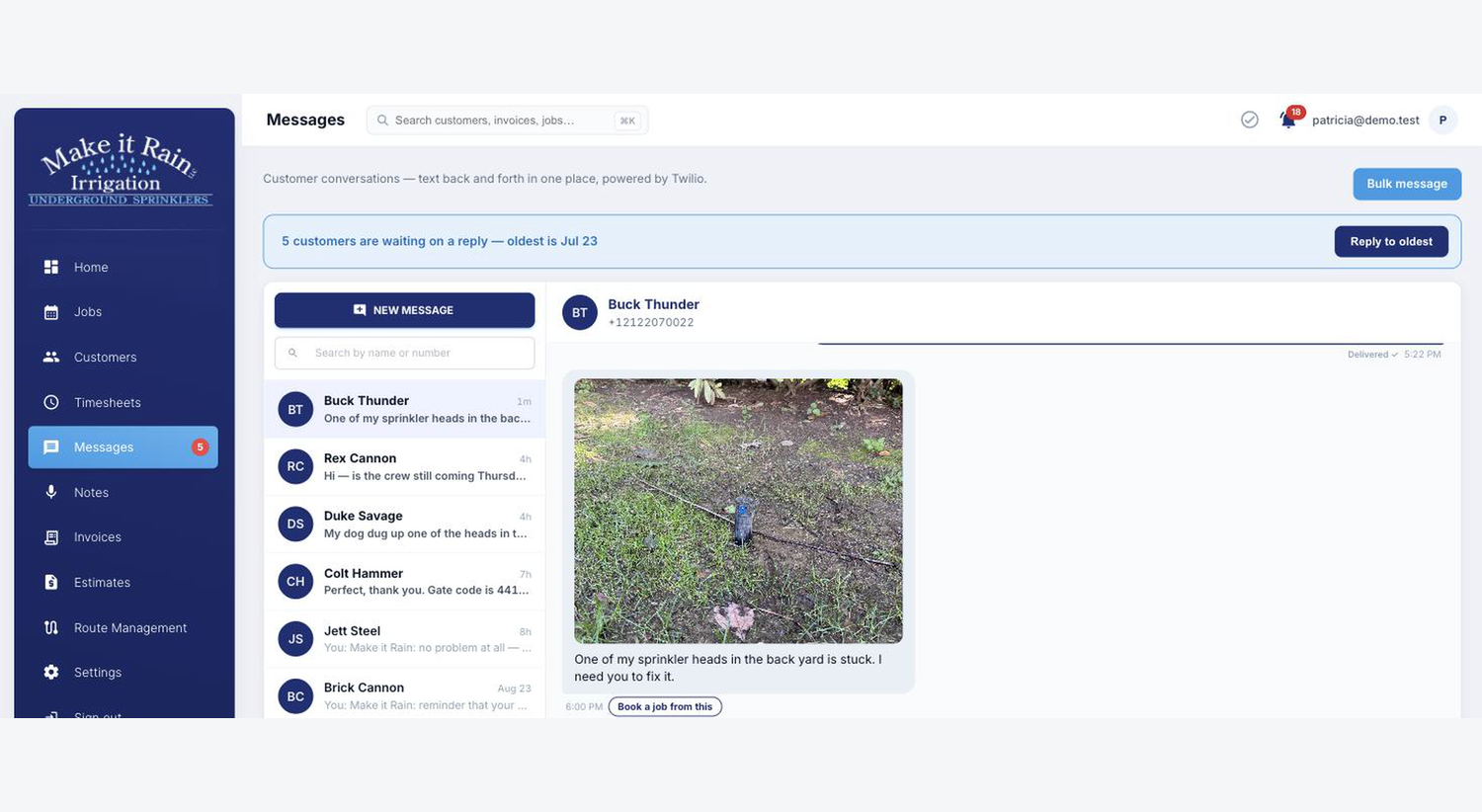
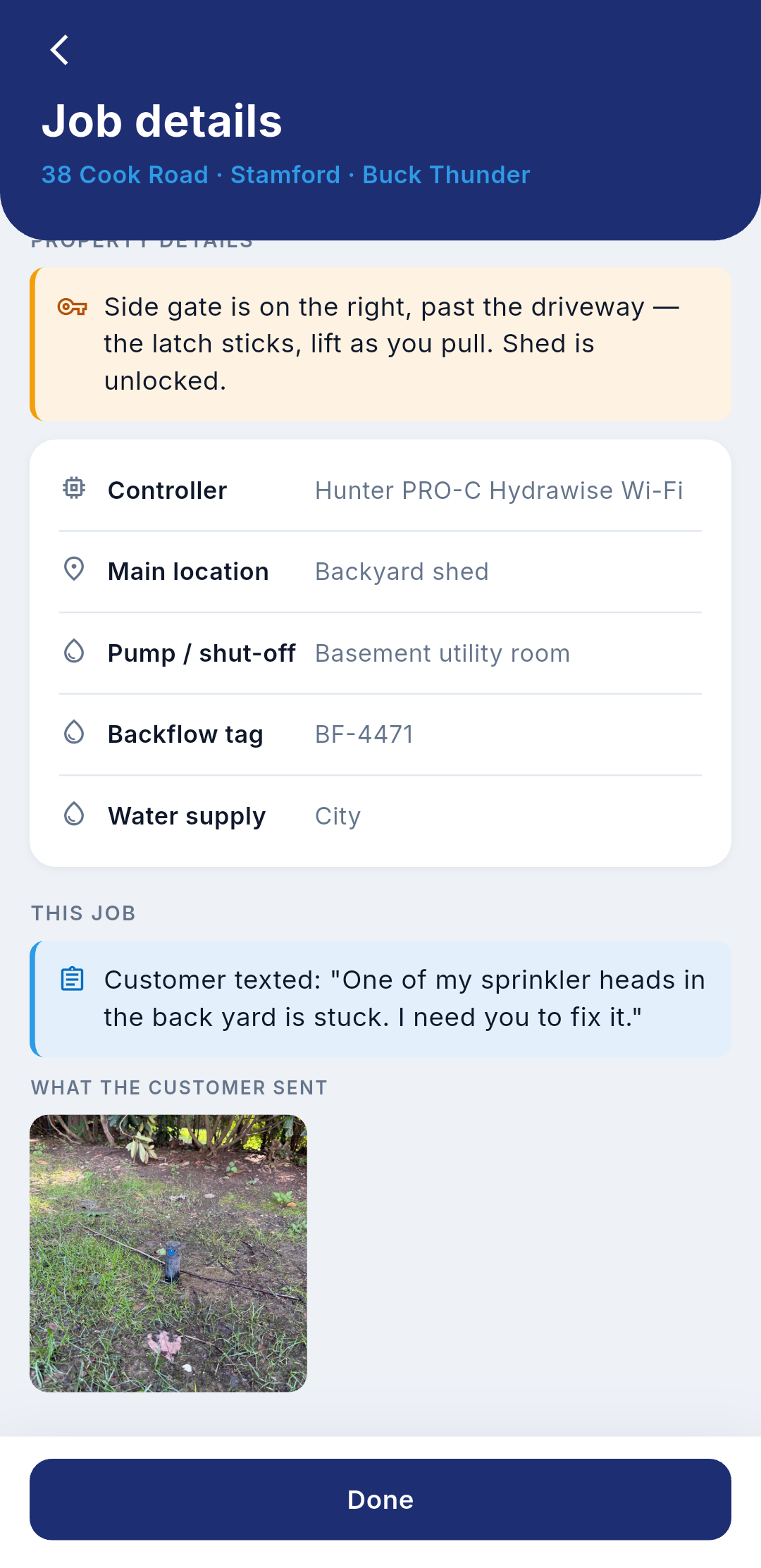
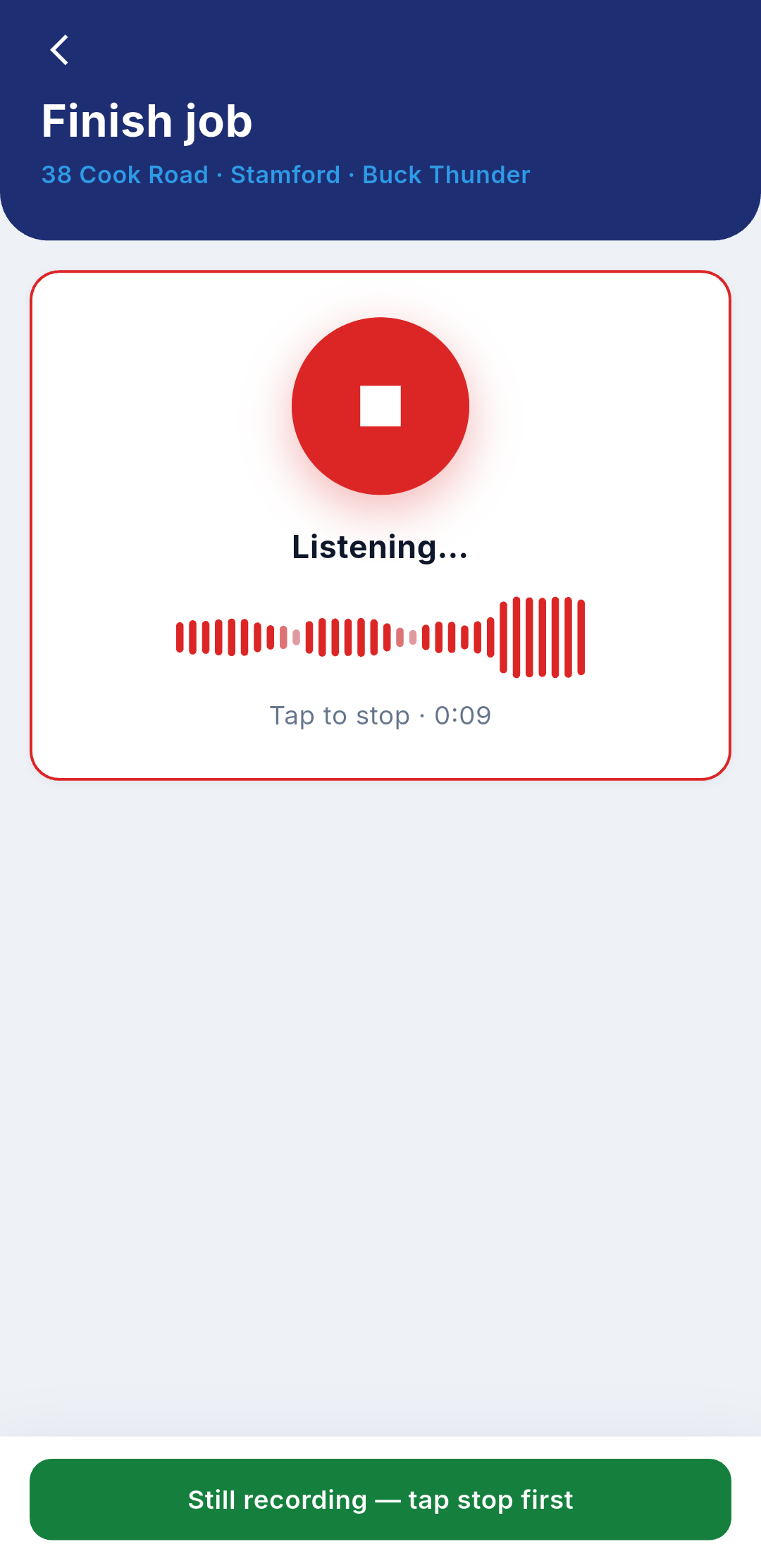
I built an app that connects customer texts, scheduling, crew notes, photos and invoicing. Follow one job through the five steps below.
A customer sends a text and a photo.
The message arrives in the app with the customer’s details.
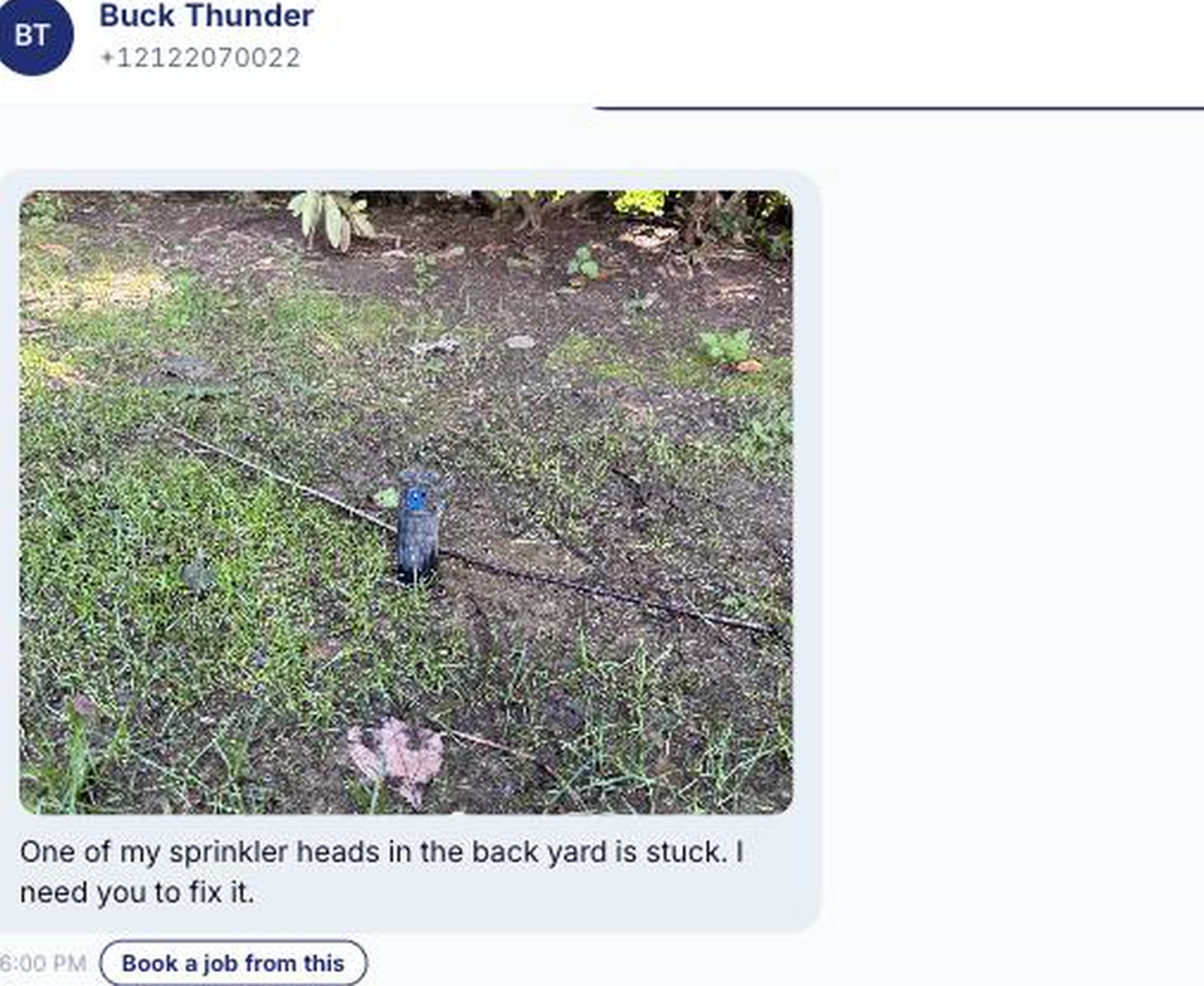
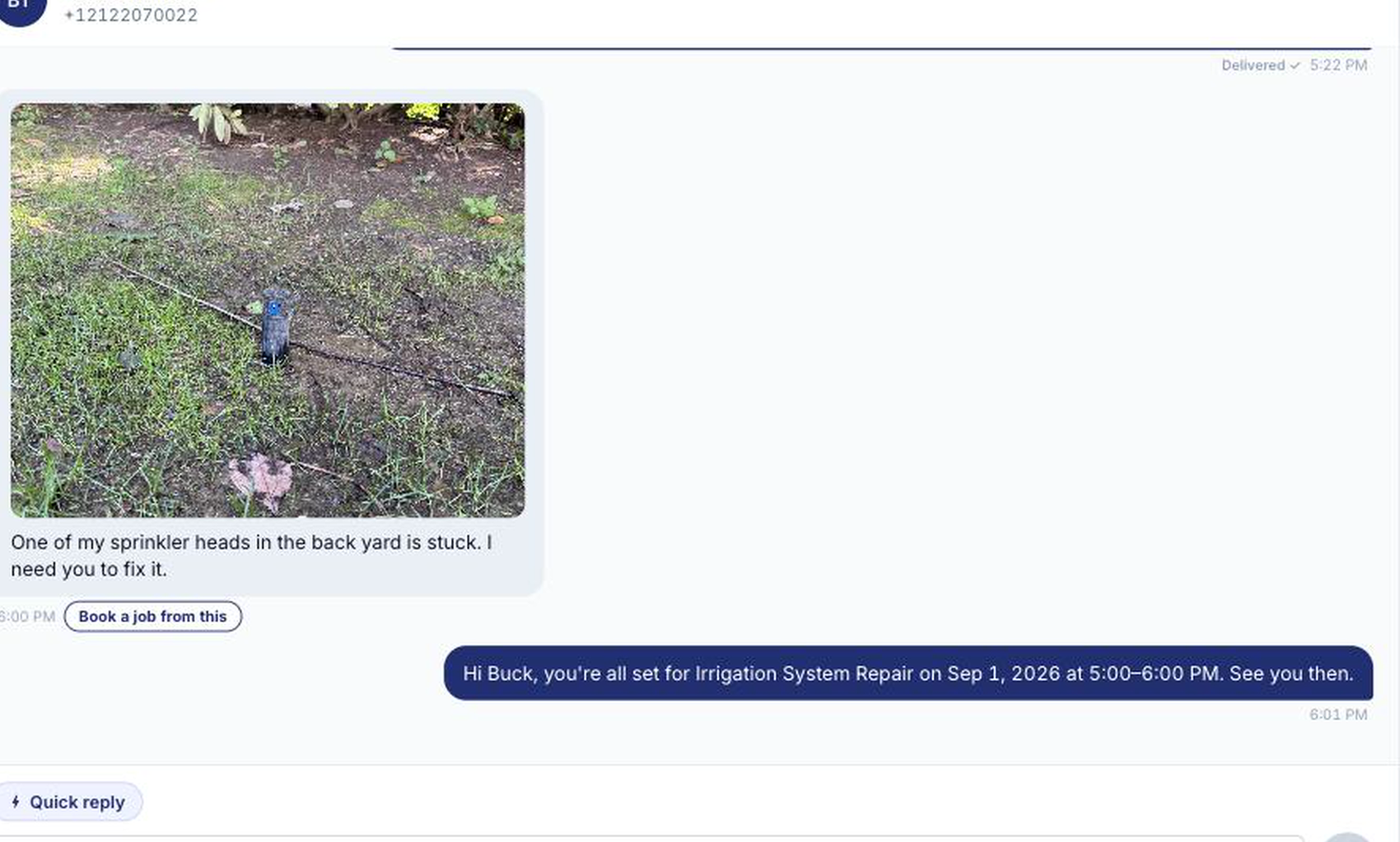
The office books the job from the message.
The app sends the customer a confirmation with the date and time window.
The crew gets the job details on a phone.
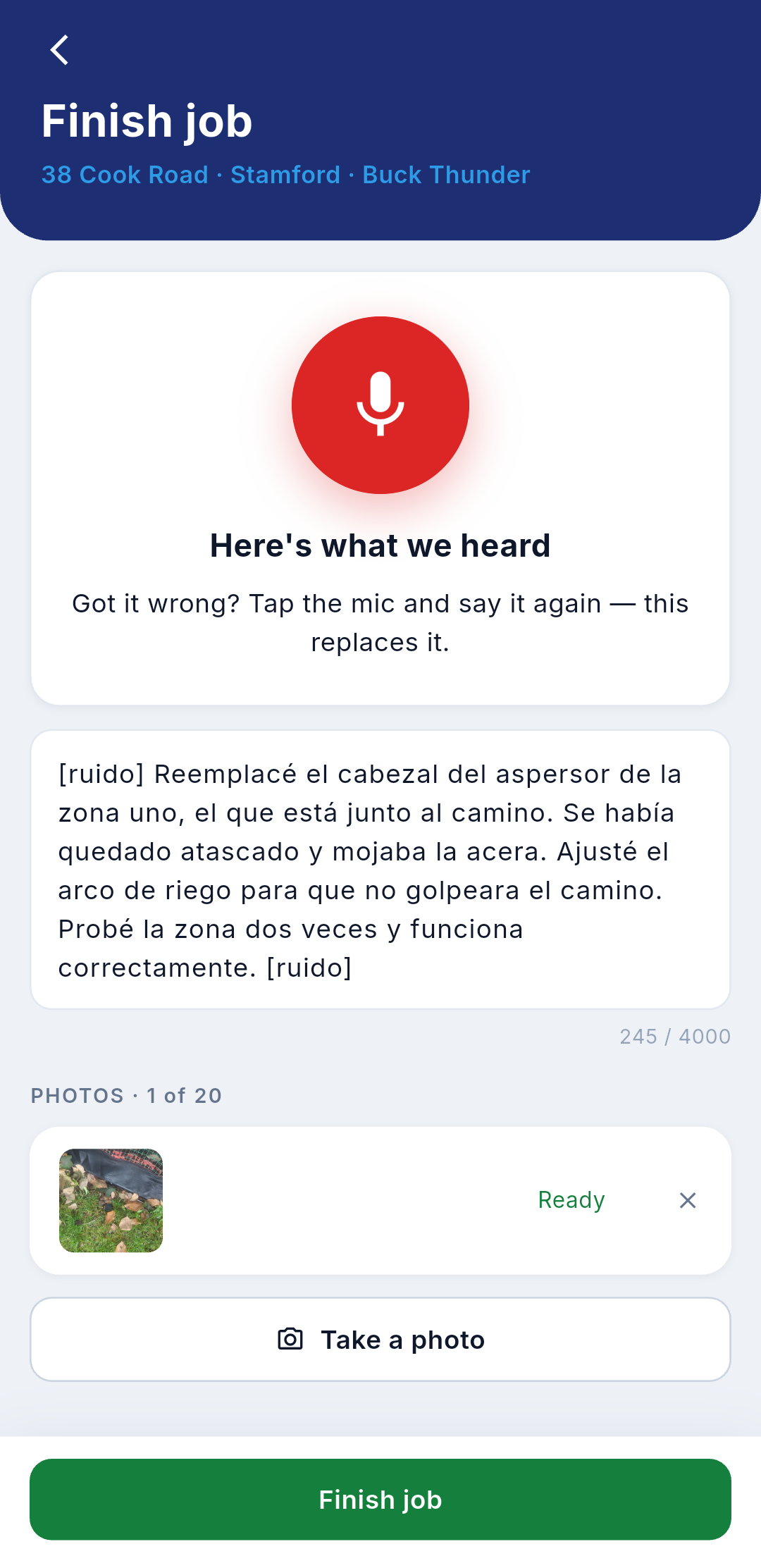
They start the job, record what they did, and attach photos.
The office reviews the crew’s notes before billing.
Notes spoken in Spanish appear in English, with photos and time on site.
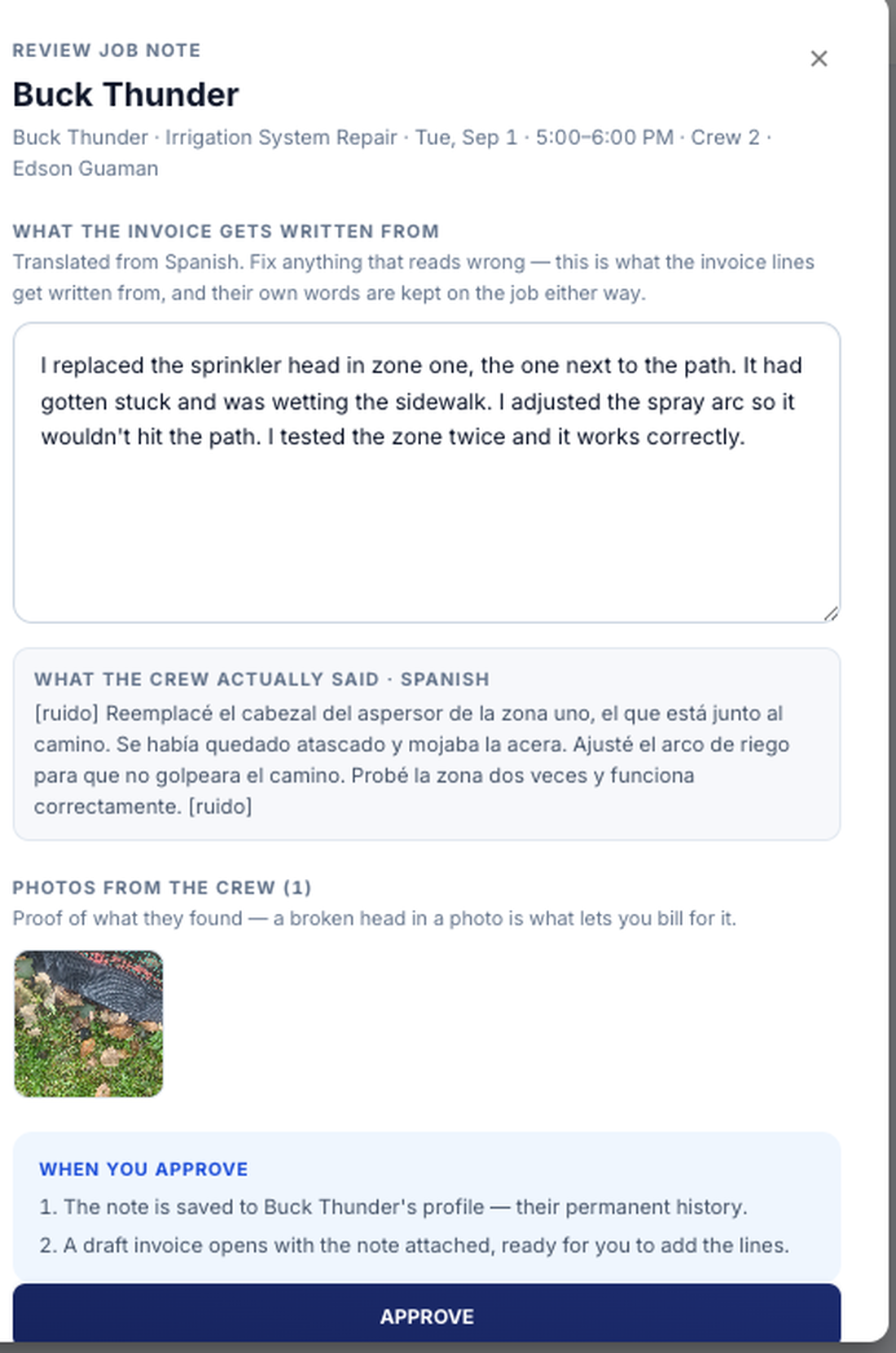
Approved job notes become invoice line items.
The office checks the prices and sends the invoice.
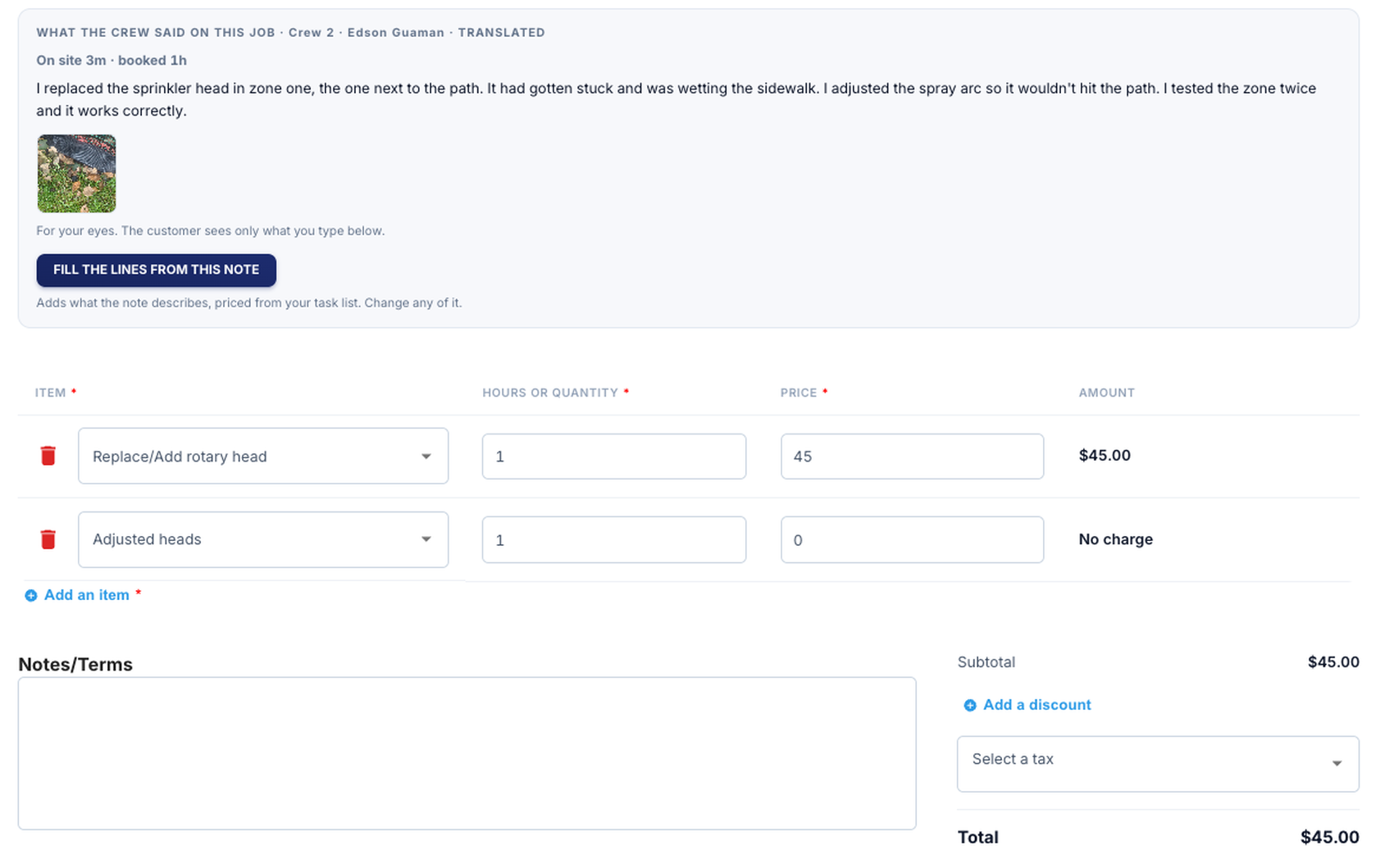
Choose a step below to follow the job from the customer’s text to the invoice.Swipe through the screens, or choose a step below.
Automations · Quote follow-up demo
You sent a quote, but the customer hasn’t replied. This workflow handles the follow-up.
The workflow checks whether the customer has replied, sends a follow-up using your approved wording, and records it against the quote.
When the customer replies, the sequence stops. Large jobs and anything that needs a decision go to a person.
Quote follow-up · Demo
20-second recorded demo
The customer gets a follow-up
Your customer gets a follow-up in your words.
The message is recorded against the quote. There is no new system for your team to keep checking.
Actual SMS · Delivered
Estimate EST-0155 · $1,250.00
Hi Buck, this is Make It Rain. Any questions about estimate EST-0155 ($1,250.00)? Reply here if a short call would help. Reply STOP to opt out.
Actual demo run, edited for time. The follow-up was sent and marked delivered.
Explore automations →How I work
You know the price.
You keep the keys.
You deal with me directly. I help you decide what is worth fixing, explain the trade-offs, and stay accountable for what we agreed to do.
If something isn’t worth the money, I’ll tell you.
- A clear scope and price
- What’s included, what isn’t, and what it costs—agreed before work starts.
- Your company stays in control
- Your accounts and data stay with your business. The source code included in your project comes with a documented handoff.
- Ongoing help is your choice
- Support is available when you need it. It isn’t a condition of owning what you paid for.
What’s costing you
time or business?
Tell me what’s happening, what you’ve tried, and what you want to work better. I read every message myself.
Tell me what’s not workingYou don’t need a technical brief.