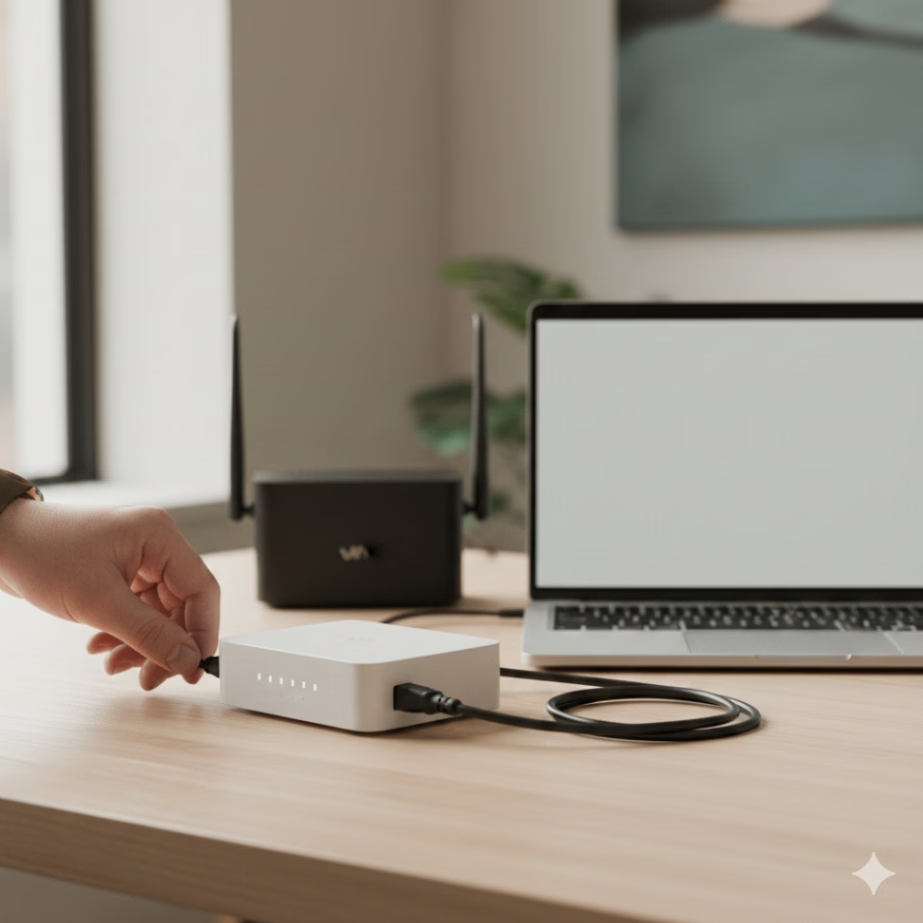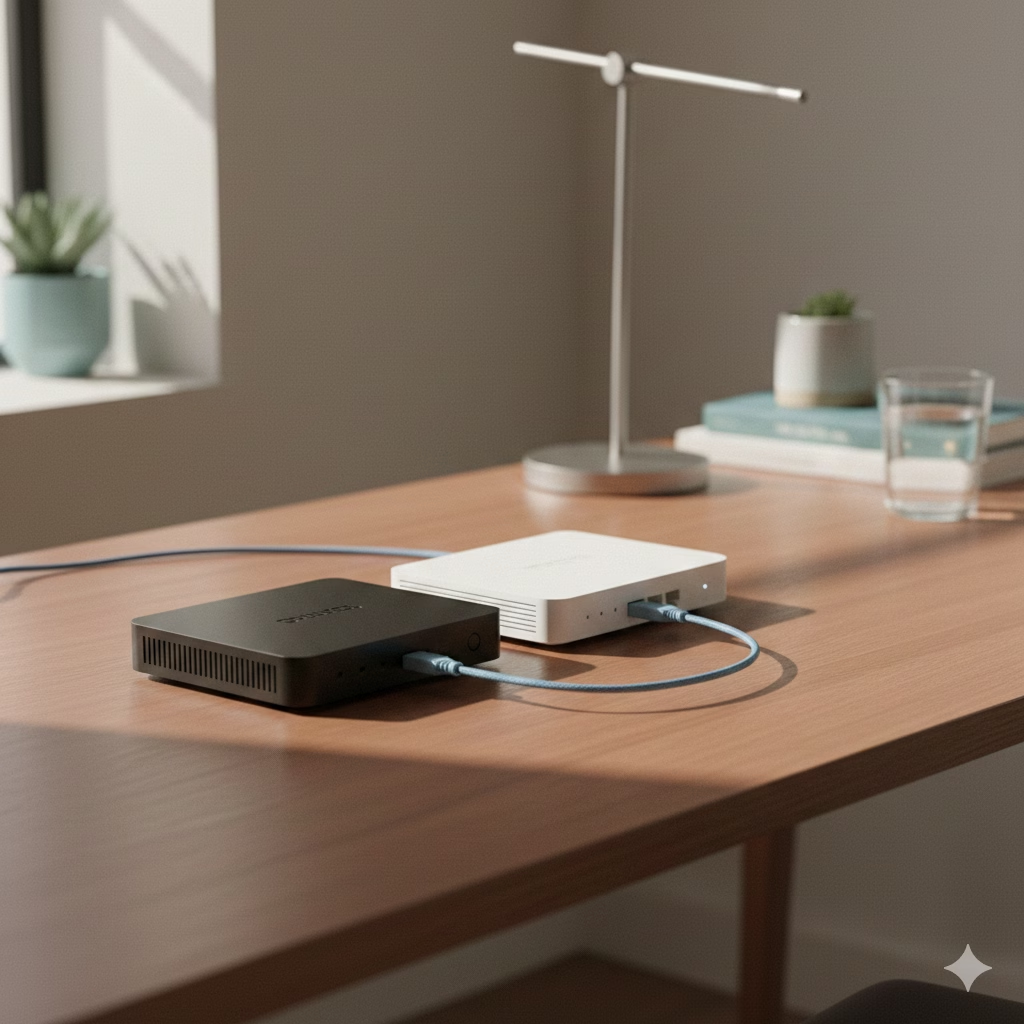
Key Highlights
- A modem acts as the main gateway in your home for getting internet. It lets you connect with your internet service provider (ISP).
- A router sets up a local network in your home. It sends some internet to your devices through Wi-Fi or cables.
- The modem changes signals from your ISP, and the router helps in sharing the internet and data across your devices.
- If you want a home network with wireless connection, you need both a modem and a router.
- A modem-router combo does both jobs in one box. It makes your home internet setup simple.
- The modem uses one public IP address. The router gives its own address to every device on your local network.
Introduction
Have you ever thought about the blinking boxes you use to get home internet? A lot of people mix up a modem and a router, but they are not the same. A modem is the box that brings the internet into your home. A router sends that internet to all your devices. If you want to set up a good home network, fix problems, or make good choices for your setup, you should know why a modem and a router are not the same thing.
What Is a Modem and How Does It Work?
A modem helps your home get internet service from your ISP. It takes the internet signal and makes it into a digital signal that your devices can read. The name “modem” is from what it does. It changes signals, so you can use the internet on your devices.
Your home network needs a modem so you can get internet access. A modem is the device that lets you use the internet at home. It connects with a cable, phone line, or fiber internet. In the next sections, you will find out what a modem does, which kinds you can buy, and how it helps you have an internet connection.
Definition and Basic Function of a Modem
The modem is like a translator. It helps your home network talk to your ISP. The link that connects your house to the internet is a wide area network, or WAN. The modem gets analog signals from your provider. It changes them into digital signals. This allows your computer to read and use them.
This process works both ways, and the modem handles it for you. When you send things to the internet, the modem takes your computer’s digital signals and turns them into analog signals. These signals move through the ISP’s network. Because of this change, you can visit websites, watch online videos, and use the internet for many things.
Each modem gets a public IP address for your internet connection from the ISP. This public IP address is how your network is known on the internet. It works kind of like a street number. The modem is what helps you make the first internet connection. A router then takes that connection and lets everyone in your home or office use the internet.
Types of Modems: Cable, DSL, Fiber
The type of modem you need will depend on which internet service you have. Each internet service brings the internet signal to your home in its own way. So, you must get a modem that can read the internet signal in the right way. A router is not the same. A router does not connect right to the isp’s line.
The main types of modem are built for certain kinds of internet. Your ISP gives you a modem or tells you which one works best for your home internet setup. This helps you get good internet service at your home.
- Cable Modems: These will get you on the internet with the same cable you use for your cable TV.
- DSL Modems: A DSL modem uses your phone line to make the internet work.
- Fiber Modems: For fiber-optic internet, you need a special modem called an Optical Network Terminal (ONT). This device uses light signals to send and get data in fiber-optic cables.
How Modems Connect Your Home or Business to the Internet
A modem is the key to getting the internet signal into your house or business. You connect the modem to the wall jack that works with your internet service. The jack might be a coaxial port, a phone jack, or a fiber-optic terminal. When your ISP turns on the service, the modem gives you a live internet link. Then you have internet access.
For your small business, getting this first link is important for your home network setup. The modem is a key part of your internet service. If the modem is not working right, all the devices in your office will be offline. This device helps you use the internet that you pay for. It connects everything together, so your internet works all over your place.
In a home network, the modem is like the main gate that brings the internet into the house. A router helps share that internet with all the devices in your home. You can use an ethernet cable to connect one computer right to the modem. You will get the internet but not Wi-Fi this way. A router is needed if you want more devices in your home network to get on the internet wirelessly.
What Is a Router and What Does It Do?
A modem brings the internet to your home. A router lets all your devices use the same internet connection. A router makes a private local area network (LAN) for your home or office. This lets you, your family, or staff use the internet on devices like laptops, smartphones, and smart TVs at the same time.
Most routers that people buy now are wireless. A router sets up the Wi-Fi network at your home or office. You use this network when you get online with your phone, laptop, or other devices. The router works by moving data between your devices and the modem. It helps everything find its way to the right spot. Next, we will go more into what the router does.
Definition and Role of a Router in a Network
A router works as a traffic manager for the home network. You put it together with the modem. Then, it creates a local network (a LAN) inside your home. This means only devices in your home can use it and the network is not open to everything on the internet. The main thing the router does is move internet data from the modem to the right devices in your local network. It also lets devices inside the local network talk to each other.
A router and a modem are not the same. A modem brings the internet connection into your house. A router takes the internet from the modem and sends it to other things in your home like phones and computers. The router gives each device a local IP address. This lets it know where to send the data. With the router, all your devices can use the internet at the same time.
This is what makes a modem different from a router. A router helps you set up and manage a local network, or LAN. A router by itself lets you share files with other computers in the network. But if you want internet access, you must have a modem too. A router cannot give you internet without a modem.
Distributing Internet to Multiple Devices with Wi-Fi and Wired Connections
A router helps you geta wireless connection. A wireless router sends outa Wi-Fi signalin your home. Your wireless devices, suchas laptops and phones, connect toa home network and goon the internet. You don’t needa cable for this. Thisis how you connecta gadgettoa wireless router and usea internetat your home.
In today’s world, every home network often has a router. A router helps many devices get online at the same time. This means people in the house can use the internet when they want. Some common things that people connect to a router are:
- Laptops and desktop computers
- Smartphones and tablets
- Smart TVs and streaming devices
- Gaming consoles
- Smart home devices like speakers and security systems
Most routers have Wi-Fi and a few Ethernet ports. You can use these ports to connect your device straight to the router. Just use an ethernet cable to plug it in. A wired connection like this is often stronger and faster than Wi-Fi. It is good for gaming or when you work on an important computer.
Security Features and Device Management in Routers
A router does more than give you an internet connection at home. It helps keep your home network safe. When you plug a computer into the modem by itself, it is exposed straight to the internet. A router sits between your modem and the devices in your home. The router works like a wall. It keeps out traffic you do not want and stops some types of threats. This way, the things on your home network get extra protection when you use the internet.
This firewall is a key part of keeping your internet safe. It helps you see what makes using a modem and a router different. A router helps you manage your home internet. It also has several security features that help keep your devices safe. If you run a small business, good security matters a lot. Working with a professional IT support service will help you set up these steps in the right way.
Common security features and tools to manage routers are:
- Password protection
- Firewall settings
- VPN support
- Access control lists
- Firmware updates
- Firewall: A firewall helps keep out strange things from getting to your network. It stops stuff that could hurt your wireless connection.
- Parental Controls: You can use these to know when your children are online. They let you block bad sites so your kids stay safe.
- VPN Support: Some wireless routers let you use a VPN for your whole network. A VPN keeps all the internet traffic secret and makes it safe.
- Password Protection: A strong password keeps your wireless connection safe. It stops people you do not know from getting in.
Key Differences Between a Modem and a Router
The modem is what brings the internet into your home. A router connects your devices, like phones and computers, to your home network. The modem gives you an internet connection. The router helps all your devices use that same internet. It also lets them talk to each other. So, that’s how the modem and the router work together when you want internet in your home.
Your modem gets a public IP address that lets it join the internet. A router is used in your home. It makes a small network and gives private IP addresses to your devices. You need a modem for internet access. The router lets you have the internet on more than one device. It also lets you connect without wires.
Function, Connection Role, and Device Usage Compared
When you see the roles of these separate devices, you can better understand how they are different. A modem’s job is to give your home internet access. It changes signals from your ISP into something all your devices in your home can use. A router is there to build a local area network in your place. It helps your devices talk to each other and get on the internet.
Most homes now need both a modem and a router. The modem gives your home the internet connection. A router helps you set up a wireless network. It lets all your separate devices get on the internet. But, if you use only a single computer, you can just use the modem. You don’t need a router if there are no other devices and you are using a wired internet connection.
Here’s a direct comparison of their roles:
- Function: A modem is like a translator. A router is like the network director.
- Network Type: A modem connects you to a wide area network, called WAN. A router sets up a local area network, or LAN.
- IP Addresses: A modem uses one public IP address. A router gives out several private IP addresses.
- Connectivity: A modem sends internet to just one device with Ethernet. A router shares internet with many devices using both Wi-Fi and Ethernet.
Simple Comparison Table: Modem vs Router
This table helps you quickly see the main ways a modem is different from a router. When you have internet trouble in your home, it’s good to know these things. They show you what you have in your internet parts. A modem and a router both help your home internet work.
| Feature | Modem | Router |
|---|---|---|
| Primary Function | Connects your home to the internet | Creates a local network and shares the internet |
| Network Connection | Connects to Wide Area Network (WAN) | Creates a Local Area Network (LAN) |
| IP Address | Uses one public IP address from your ISP | Assigns private, local IP addresses to devices |
| Provides Wi-Fi? | No | Yes (if it’s a wireless router) |
A modem and a router are often seen as separate devices. But you can also use a gateway device. A gateway is one box that acts as both a modem and a router. This combo unit can make it easy to set up a home network. Many internet service companies give these combo devices with their internet plans for your home network.
Conclusion
It is important to know how a modem and a router do different things when you set up or try to fix the internet connection. A modem acts like the way in to your internet service provider. A router helps to give internet access to many devices in your home or in your office. If you know what the modem and router do and how they work with each other, you can improve how your internet works. You might use separate devices for this, or pick a modem-router combo. Learning how these parts work together helps you have a better internet experience. If you want to ask more or need help with your internet setup, feel free to reach out!
Frequently Asked Questions
Can a modem work without a router, or vice versa?
Yes, you can use a modem without a router. The modem plugs into one computer with an ethernet cable. This gives that computer internet access. A router cannot give internet by itself. The router needs a modem for an internet connection. After setting this up, the router can share the internet in your home network with other devices.
How do I know if my device is a modem, a router, or both?
Check the labels on your device. A modem has a place on it for a coaxial, phone, or fiber cable that comes in from the wall. A router has more than one Ethernet port. You use these to connect your things, like your computer or TV. A combo, which is also called a gateway, has both the ISP input and several Ethernet ports for output. It also lets you use Wi-Fi.
Does having a router affect my internet speed?
A router does not speed up your internet. If you use a slow or old router, your internet can feel slow. A good router lets your devices use bandwidth better. If your router is placed in a bad spot, the wireless signal can get weak. This can make the internet feel slow.