
What to Automate First in Your Trade Business
We lay out the order: missed calls first, then quotes, invoices, reviews, and job notes, so you know exactly where to start this week.
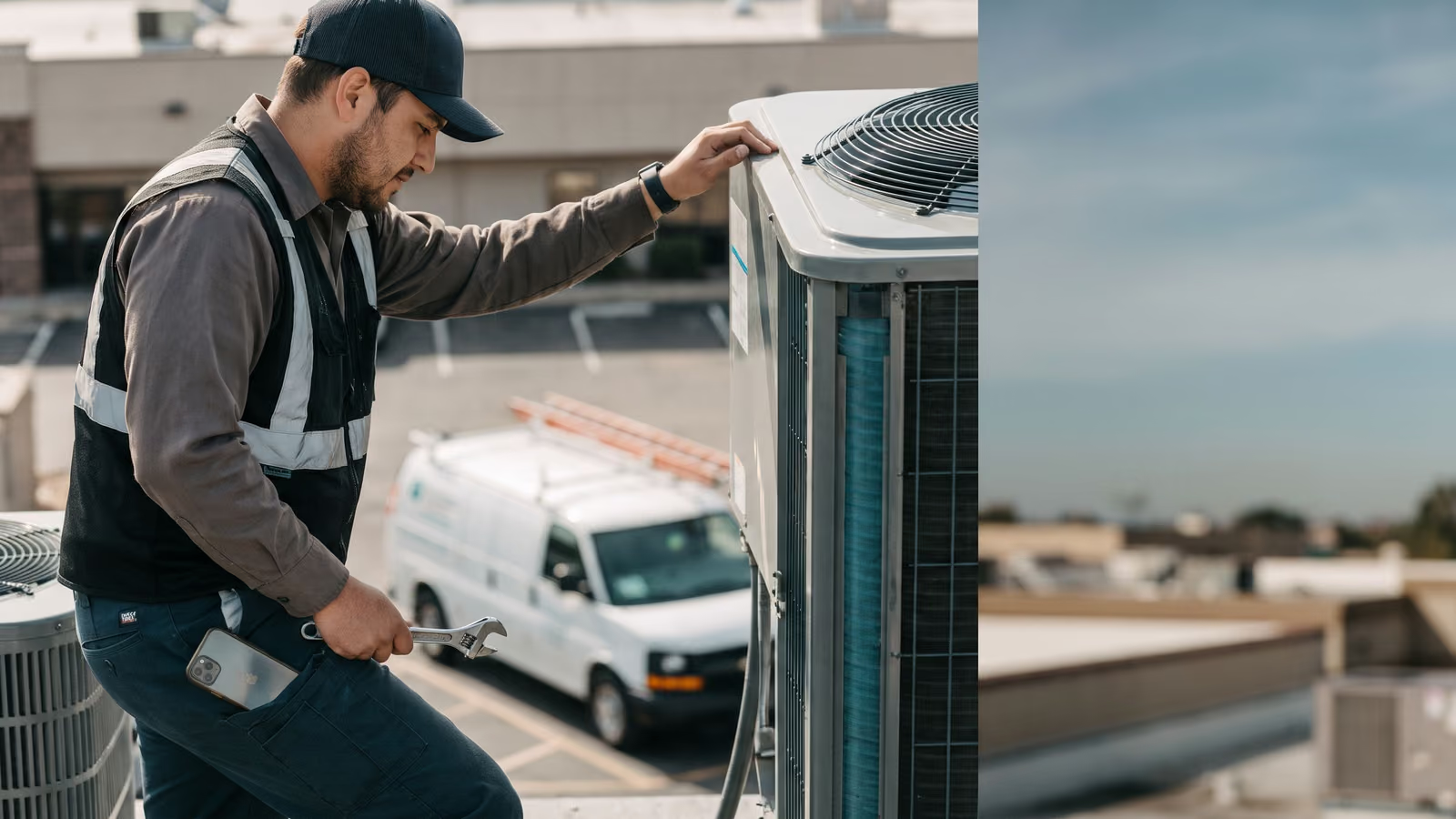
You're on a roof at 2pm, phone buzzing in your pocket, and you can't answer. By the time you climb down there are three missed calls and one voicemail. Two of those people already called somebody else.
Most owners we talk to know the office work is leaking somewhere. They just get handed a menu of twenty things software can do and freeze. Missed-call text back, quote follow-up, invoice reminders, review requests, job notes, a morning email. All useful, all at once, so none of it gets done.
There's an order to this, and it isn't random. Some of these recover money that's walking out the door right now. Others change how your crew works, which is slower and needs buy-in.
By the end of this page you'll know what to automate first in your trade business and why the rest can wait.
Start with the missed call, not a list of automation ideas
A missed call is the only leak where the money is leaving while you watch. There's no quote to follow up on, no invoice to chase, no record of it anywhere except a number on your screen. You paid for that call through your website, your truck wraps, your name getting passed around, and it's gone before the job ever existed.
That's why it goes first.
The fix is one text, sent the second the phone stops ringing. Something plain: you're on a job, you got their call, what do they need. The customer's phone buzzes while they're still deciding who to try next. Most people will text back a description of the problem right there, and now you have a lead sitting in writing instead of a voicemail you'll listen to at nine at night.
No one has to remember to do it. That's the whole point of automation here. The reply happens while you're under a house, on a ladder, or driving between calls.
Put it in this week and you'll see it work the same day, because missed calls aren't rare. They're one of the most repetitive tasks in the office, and the office is usually one person who is also scheduling and answering the other line.
Everything else on the list recovers work you've already captured somewhere. This one recovers work you were about to lose entirely, which is why we'd rather an owner prove this single piece before touching anything else.
A quote that sits for five days needs a follow-up, not a reminder call
A quote that sits for five days is mostly dead. Usually the customer didn't go with someone else. Nobody called them back at all.
The estimate already exists. Somebody drove out, measured, priced it, typed it up and sent it. That cost is spent whether the job books or not. Which is why quote follow-up is the second thing to automate: there's a stack of work sitting in your email or your CRM that needs nothing more than a nudge to turn into revenue.
The nudge has to be automatic, because the manual version never survives a busy week. You tell yourself you'll check open quotes Friday. Friday is a callback day. Two weeks later you find three estimates nobody touched.
A follow-up sequence sends a short text a day or two after the quote goes out, then another a few days later, then one more. Plain language, no pressure. Something like asking if they had questions on the price, or whether they want to get on the schedule before it fills up.
Most of these follow-ups get a straight answer. Some are a yes. Some are a no, and a no is useful too, because it clears the quote off your list instead of leaving it in limbo.
Set it up once and every quote you send from then on gets chased the same way.
Invoicing reminders collect the money you've already earned
The work is done. The truck has been and gone. The only thing standing between you and that money is somebody asking for it.
That's why invoicing sits third. There's no selling left to do and no risk of annoying a prospect who hasn't decided yet. You're following up on a bill for work the customer already agreed to and already received. Most people who haven't paid simply forgot. They opened the email on a job site, meant to deal with it later, and later never came.
What usually goes wrong is the schedule. Invoice reminders go out when the office manager remembers, which means they go out during slow weeks and not during busy ones. Busy weeks are exactly when the unpaid pile grows.
Automated payment reminders fix the timing. A text a few days after the invoice goes out. Another a week later. One more after that, a little firmer, with the amount and a link to pay. Same cadence for every invoice, whether you're thinking about it or not.
Pick a schedule this week and write the three messages. Keep them short and keep a pay link in each one. If a customer needs to call you about it, they will, and that conversation is far better than silence.
A reminder that goes out on its own never forgets, and it never feels awkward about asking.
The review ask is a follow-up too, just a slower one
Reviews pay off months out, long after this week's bills are due. That's why they come fourth.
The first three jobs on the list go after money that's already in motion: a caller who wanted you right now, a quote sitting cold, an invoice you've earned. A review request works on a longer clock. It builds the pipeline that feeds next month and the year after, one customer at a time, and you won't feel it for a while.
It's still worth doing, and it's the same shape as the other follow-ups. A text goes out after the job closes, with a direct link to your Google profile. If nothing happens, a second one a few days later. Short, polite, easy to ignore or easy to act on.
The referral ask can ride along with it. A happy customer who just left a review is the most likely person in your contact list to pass your number to a neighbor.
Timing matters more here than wording. Ask while the tech is still fresh in the customer's mind, not two weeks later when they've moved on. Automation handles that part better than a person does, because a person has to remember, and nobody remembers on a Friday in July.
Set the delay once. Let it run.
Job notes are a workflow change, and workflow changes need buy-in
The first four fixes happen in the office. Nobody in the truck has to do anything differently. Technician write-ups are the first one that asks the crew to change what they do, and that's why it comes fifth.
A tech who has filled out a paper slip for eleven years will keep filling out a paper slip unless the new way is faster. So make it faster. Photos from the phone, a few taps for parts used, voice-to-text for what actually happened on the job. If the app makes a tech type a paragraph with his thumbs in a crawlspace, it loses to the paper slip every time.
Get one tech to try it on a few jobs before you roll it out to everyone. The good ones will tell you exactly what's annoying about it, and they'll tell the rest of the crew it's fine, which carries more weight than you telling them.
Time tracking usually rides along with job notes, since the clock-in and the write-up happen on the same screen. That's a second change to the workflow, and it's the one crews get touchy about. Say plainly what it's for: accurate invoices and knowing which jobs actually make money.
Done right, the office stops calling the truck to ask what happened. That's the payoff, and it's worth being patient for.
The morning report cuts out repetitive tasks, not customer-facing ones
The morning report is the one that makes your own day easier. An email lands before you're in the truck: what's on the board today, what got finished yesterday, what's still open, what hasn't been paid. No logging in, no asking the office to pull it together.
We put it last of the six on purpose. A morning report has a different job. It replaces the repetitive tasks you or your office manager do every morning to find out where things stand: the scroll through the schedule, the check on yesterday's completed jobs, the mental list of who still owes you. Useful, and worth having. Just not where the money is walking away. It also asks nothing of the crew; nobody's workflow changes for this one, which is why it's an easy thing to turn on late.
It's also the easiest one to change your mind about. The first version you get is rarely the one you keep. Most owners cut two things off it within a month and add one they didn't think to ask for, usually something about jobs that got rescheduled.
Pick the three or four numbers you actually act on. If a line on that email has never once changed what you did that day, take it off. A short report gets read at a red light. A long one gets skipped, and then you're back to asking the office.
This is business process automation built for a small crew, not a corporate rollout
The order has a logic to it, and it's worth saying plainly so you can argue with it.
If you're deciding what to automate first in a trade business, money that's walking away right now comes first. A caller who doesn't get a call back is gone in minutes, and you already paid to get that phone to ring. Next comes money you're owed: the quote sitting cold, the invoice nobody chased. That work is already done or already priced. Nothing is leaking in real time, so it can wait a week, but only a week. After that comes the slow build: reviews and referrals, which pay off months out and compound if you keep at it. Last comes how the shop runs day to day: the technician write-up and the owner's morning email. Those change habits, and habits need the crew on board.
Collect first. Then fix the running of it.
This holds at one truck and at thirty. A bigger crew just means more calls getting missed and more quotes going stale, so the same order applies with more money attached. What changes with size is who does the work the automation replaces, and whether that person has time to notice it's gone.
Each of these six runs on its own. You can turn on missed-call text back and leave the other five alone until it proves itself on your phone, with your customers. That's the part of business process automation most trade business owners get sold wrong: you don't have to commit to a system. Ask us to run any one of them live on a call and watch it fire before you buy it.
Scheduling and appointment reminders look different for HVAC, plumbing, and landscaping crews
A no-heat call on a cold Tuesday is a customer who will dial the next number in about ninety seconds. Same with a water line. That's why missed-call text back earns its spot first in a trade business built on emergencies: your lead response window is short and the customer isn't waiting.
Landscaping runs on a different clock. Someone calling about spring cleanups or a retaining wall is shopping, with time to compare. They'll call three outfits and compare. The missed call still costs you, but it bleeds out over days, and the quote follow-up is doing more of the work than the instant text back.
Dispatch shapes it too. If your crew moves between four or five stops a day, appointment reminders cut the drive-outs where nobody's home. If a crew parks on one property for most of the day, reminders matter less and the technician write-up matters more, because the office has no idea what happened out there until someone gets back.
Electrical sits in between. Some of it is panic, a lot of it is planned work that lives or dies on the estimate.
Look at your own scheduling for last week. Count the slots that stayed empty and the drive-outs that found an empty house. Whichever number is bigger tells you where to start.
What to automate first in your trade business, one piece at a time
Each of the six runs on its own. The missed-call text back doesn't need the quote follow-up to work. The invoice reminders don't care whether your technicians are writing up job notes yet. So you can buy one, run it for a month, and look at what it brought in before you spend another dollar. No bundle, no platform migration, no rip-out of whatever you use now.
That matters because most owners have been burned by a big software rollout that took three months and never got used. One automation at a time is slower on paper and faster in practice.
The order we'd give: missed call returned, then quote follow-up, then unpaid invoices, then the review and referral ask. The technician write-up and the morning email come last, because they change how the trade business runs rather than what it collects.
If you want to see one before you decide, we'll run it live on a call. Give us a number and watch the missed-call text land on your phone, or watch a quote follow-up sequence fire. Then judge it.
Common questions about automating a trade business
Which businesses are a good fit for automation?
Any shop where the same office work repeats every day and follows a rule. A call comes in and nobody picks up, so someone should text back. A quote goes out and nobody answers, so someone should follow up on day two and day five. An invoice goes past due, so someone should send a reminder. If you can write the rule on an index card, a computer can run it. The work that doesn't fit is the work that changes every time: pricing a strange job, deciding whether to send two techs or one, telling a customer the honest version of bad news.
How do you actually automate the work in a trade business?
Start with the piece closest to the money. Missed calls first, because that's revenue leaving while you're under a house. Then the quotes you've already written. Then the invoices you've already earned. Pick the fix by what it collects, then find a tool that does it. Owners who shop for a tool first usually end up with a lot of features they don't use and the same missed calls they had before.
What's hardest to automate?
Judgment on site. A tech standing in front of a thirty-year-old furnace, reading the smell and the sound and the customer's face, is doing something no automation touches. Same with the call where someone is scared about a repair bill and needs a real person to walk them through it. Software can get the text out, get the quote followed up, get the invoice paid and get the notes into the file. The part where a human decides what's wrong and what it's worth stays human. That's fine. That's the part you're good at, and it's the reason the office work needs to stop eating your evenings.
If you want to talk through which piece to start with for your shop, book a New Project Consultation.

About the author
Chris Hobbick
I build and fix websites, Shopify stores and business software. I work directly with business owners to understand the problem and agree on the work and price.
Meet Chris →Keep Reading
More Practical Reading.
Real articles on business systems, websites and automation.