
Before and After Galleries for Contractors: What Works
A gallery only works if photos leave the job already labeled. Here's how to keep yours current without adding a task to anyone's day.
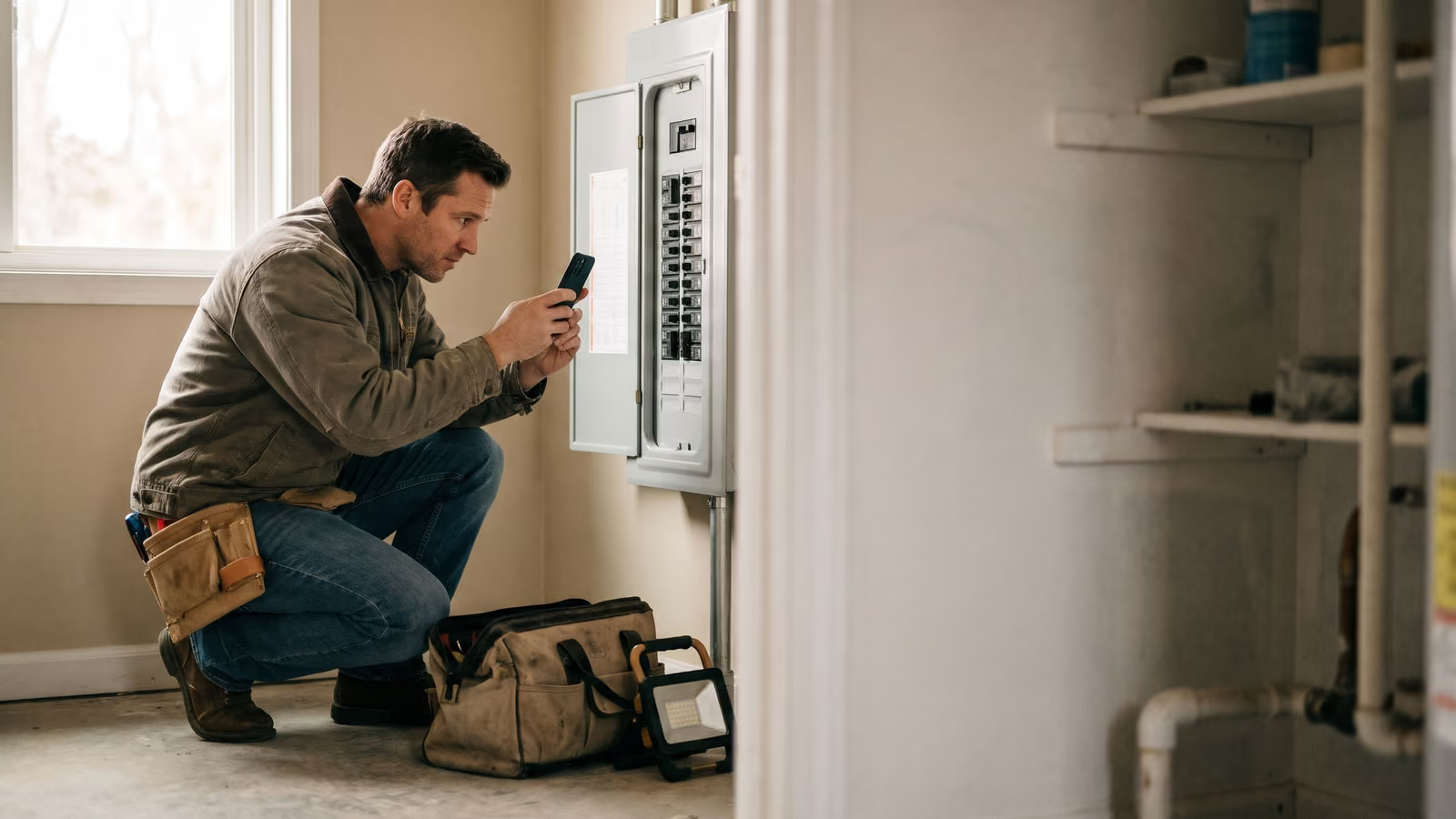
A customer standing in their kitchen has no way to tell a good install from a sloppy one. They can't inspect your solder joints. They can't read a load calculation. So they look at your photos, and if there aren't any, they look at the next shop's.
Most owners know this. Most owners also have a phone full of job photos that never make it anywhere, because sorting and uploading them is a chore that lands at 8pm. That's why a before and after gallery for a contractor usually looks great for three weeks and then goes stale.
The useful question is where the photos come from without anyone adding a task to their day. By the end of this page you'll know what a gallery needs to earn its spot on your site, and how to keep it fed.
Photos are the only proof of craftsmanship a customer ever sees
A homeowner who just paid for a panel upgrade will never open that panel again. They won't crawl under the house to look at the new drain line, and they wouldn't know what they were looking at if they did. The work is behind drywall, under a slab, or up in an attic within a day of finishing. So the only version of your craftsmanship a customer ever sees is the version you photograph.
That's why before and after photos do work on a trade site that nothing else does. A testimonial is a stranger saying you were great. A badge says a third party checked a box. Both are fine. Neither shows what you actually did with your hands.
A picture of a rat's nest of old wiring next to a clean, labeled panel makes the argument on its own. Nobody has to believe you. They can see the transformation, and they can imagine their own mess looking like that.
This is where trust gets built before the phone rings. Price shopping happens when a customer sees two companies as interchangeable. A portfolio of real jobs, in houses that look like theirs, breaks that tie. It also quietly sets the standard they'll hold you to, which is a good thing if your crew does clean work and a problem if it doesn't.
There's a second effect worth knowing about. Photos make a quote easier to defend. When a customer asks why the job costs what it does, pulling up three similar jobs you've finished answers the question faster than a line-item breakdown. They see the scope. The number starts to make sense.
Why a before and after gallery for contractors goes stale
Go look at ten trade websites tonight. Most will have a gallery page with four photos on it, and three of those were taken by the web designer during the build. The fourth is a truck.
That's not because owners don't believe in photos. Ask any of them and they'll tell you the before shots are the best sales tool they have. The photos exist, too. They're on three phones, in a group text, in a folder nobody named.
The breakdown happens after the job. The tech wraps up at 4:40, the next call is waiting, and nobody has ten quiet minutes to scroll back through a camera roll, pick the matching before and after, figure out which house it was, write a sentence about what the problem actually was, and get it onto a website. By Friday nobody remembers which attic that was.
So the gallery goes stale. Then it feels embarrassing to post one new job next to photos from two summers ago, so nothing gets posted at all.
Contractors usually treat this as a marketing problem and try to fix it by assigning someone to "do the website and social media photos." That fails for the same reason the first attempt failed. The photos are still trapped at the end of a day that's already full, and the person assigned has to reconstruct details they weren't there for.
It's a workflow problem. The photos need to leave the job site already labeled with what the job was and where it happened, or they never leave the phone.
Let the gallery fill itself from work you're already documenting
Your crew already records what happened on a job. Most of it just lands in the wrong place — a text to the office, a note on a work order, a photo roll nobody opens.
Our field app puts that capture at the start and middle of the job instead of the end. The tech opens the job on his phone. He takes the before shot when he walks in, because the app is already on the screen he's using to see the address. He says what he found and what he did, in his own words, and keeps working. He snaps the after shot before he packs up. Then he closes the job and drives to the next one.
The office gets three things without asking for them: the tech's notes in plain English, the time he spent on site, and the photos, all attached to that specific job. Nobody has to call the truck at 6pm to ask what the second picture was.
That changes what a gallery costs to maintain. The photos arrive sorted by job, which means they arrive sorted by service type and address too. Whoever updates the site is picking from a pile that's already labeled, not reconstructing a week from memory.
One honest note. Whether those field photos push straight to a public gallery on your site or need a small build on top of the capture depends on your setup — that's a question for us on a call, and we'll tell you straight which one you're looking at.
The principle holds either way. Contractors who keep a good before and after gallery going aren't the ones with more discipline about marketing. They're the ones whose photos already leave the job with a label on them, so publishing is a five-minute job instead of an afternoon of detective work.
Tag photos so your portfolio shows the service and the town
A photo filed under "gallery" does one job. A photo filed under "water heater replacement, Round Rock" does three.
It can sit on your water heater page, where somebody is deciding whether you've done this before. It can sit on your Round Rock page, where somebody is checking you actually work out there and aren't driving in from two counties over. And it can still show up in the main gallery with everything else.
Same photo. Three places it earns its keep.
That's also what keeps those pages from going stale. A service page with the same four photos it had two years ago reads like a page nobody maintains. Add the two jobs you did last month and the page is current, with no new copy to write.
Two tags per photo is enough: what the work was, and the town. Resist the urge to build a tagging system with fifteen categories — you'll stop using it by the third week.
The towns matter more than most owners expect. People search with a place name in the box, and a page or Google Business Profile carrying real work from that place is a better answer than a page listing it in a service area footer.
Keep a running list of which service and town pages have no photos yet. That list tells your crew what to shoot next, and over a few months the thin pages fill in. Your portfolio ends up matching the work you actually want more of, rather than whatever happened to get photographed.
Get permission before the photo goes on your website
Ask permission. That's the whole rule, and it takes ten seconds at the end of the job.
Most homeowners say yes. They're proud of the new panel or the regraded yard, and plenty of them will ask you to send the photo over. The ones who say no usually have a reason, and you want to know that before the picture is on your home page.
Ask when the work is done and the customer is happy, not two weeks later by email. The tech can say it plainly: "Mind if we use a photo of this for our website?" Note the answer in the job record so the office isn't guessing later.
Be more careful when the shot shows the house number, the street, a car in the driveway, or anything through a window. A tight crop of the work solves most privacy worries by itself, and it's usually the better photo anyway. Interior jobs deserve an extra look — people's belongings end up in frame more often than you'd think.
If a customer changes their mind, take it down. Don't argue about it.
Same rule applies to us. Before we use any client's job photos as examples of our own work, we clear it with that client first. We'd rather have a thinner gallery than a customer who finds their kitchen on our site.
Compress photos so the gallery still loads on a job site's cell signal
A phone camera makes enormous files. Drop twenty of them straight onto a page and the customer standing in their driveway on two bars will close the tab before the first photo paints.
So resize before you upload. Most photos on a website are shown a lot smaller than the camera shot them, and nobody can tell the difference once the file is scaled down and saved for web. Squoosh (free, runs in a browser) does this fine for a handful of photos. If your site runs on WordPress, a plugin like ShortPixel or Imagify will handle it as photos come in. Ask whoever built your site to turn on lazy loading too, so the page only pulls images as the visitor scrolls.
Two other habits make a gallery read better. Angle matching: shoot the after photo from the same position as the before. Same corner of the room, same distance, same height. When the two line up, the customer sees the work instead of guessing what changed.
Second, keep the original files somewhere. The GPS and timestamp data your phone attaches is useful for your own records, confirming which job and which day a photo belongs to. Most web tools strip that when they compress, which is fine for what goes public, and a reason to keep the full-size copy in the job record.
Write captions a homeowner reads as their own problem
IMG_4471.jpg tells a homeowner nothing. Neither does "Job 1." The caption is where you explain what was wrong and what you did about it, in the words a customer would use at their own kitchen table.
Two sentences is enough. What the homeowner was dealing with, and what the crew did. "Water stain on the ceiling under the upstairs bath. Replaced the wax ring and the flange, patched and painted the drywall." Anyone reading that recognizes their own problem.
Skip the trade shorthand where a plain word exists. Say "the main water line" instead of the fitting size. Say "the unit was short-cycling and never cooled the back bedroom," because that's how the call came in.
The tech already gave you most of this. If he said what he did when he closed out the job, the office has the sentence sitting in the job record and only needs to trim it. That's the whole point of capturing notes and photos from the field in plain English — the caption writes itself from work that's already done.
Fill in the alt text field too, with the same description. It helps anyone using a screen reader, and it's one of the few things search engines can read on an image.
Before and after photos with real captions do the job a testimonial can't.
Build your first before and after photos from last month's jobs
Go back through the last few weeks of closed jobs. Some of them have photos on somebody's phone. The tech took them because he needed a record of what he found, or because the customer asked. Those are your first entries.
Pick six. Six honest pairs beat forty blurry ones. Pull the before shot, the after shot, the service, the town, and whatever the tech wrote when he closed the job out. That's a real gallery, built from work you already paid for.
Then set the habit. Before photo when the tech arrives, after photo before he leaves, a sentence about what was wrong. Say it out loud at the morning meeting for two weeks and it becomes normal. Crews who are already logging notes and time on site from the field barely notice the extra step, because the photo lands in the same place as everything else about that job.
The office job shrinks to sorting. Somebody spends twenty minutes a week picking the clear pairs, writing the captions, tagging the service and the town. Not a project with a start and an end. A small weekly habit that keeps the site current.
If you want the field capture and the website wired together so photos from the truck end up where customers can see them, book a New Project Consultation and we'll look at how your crew documents jobs now.

About the author
Chris Hobbick
I build and fix websites, Shopify stores and business software. I work directly with business owners to understand the problem and agree on the work and price.
Meet Chris →Keep Reading
More Practical Reading.
Real articles on business systems, websites and automation.