
What Happens to HVAC Calls That Come In After Hours
A missed call after hours goes nowhere fast. This walks through where it disappears to, and how a text back can catch it before the next company does.
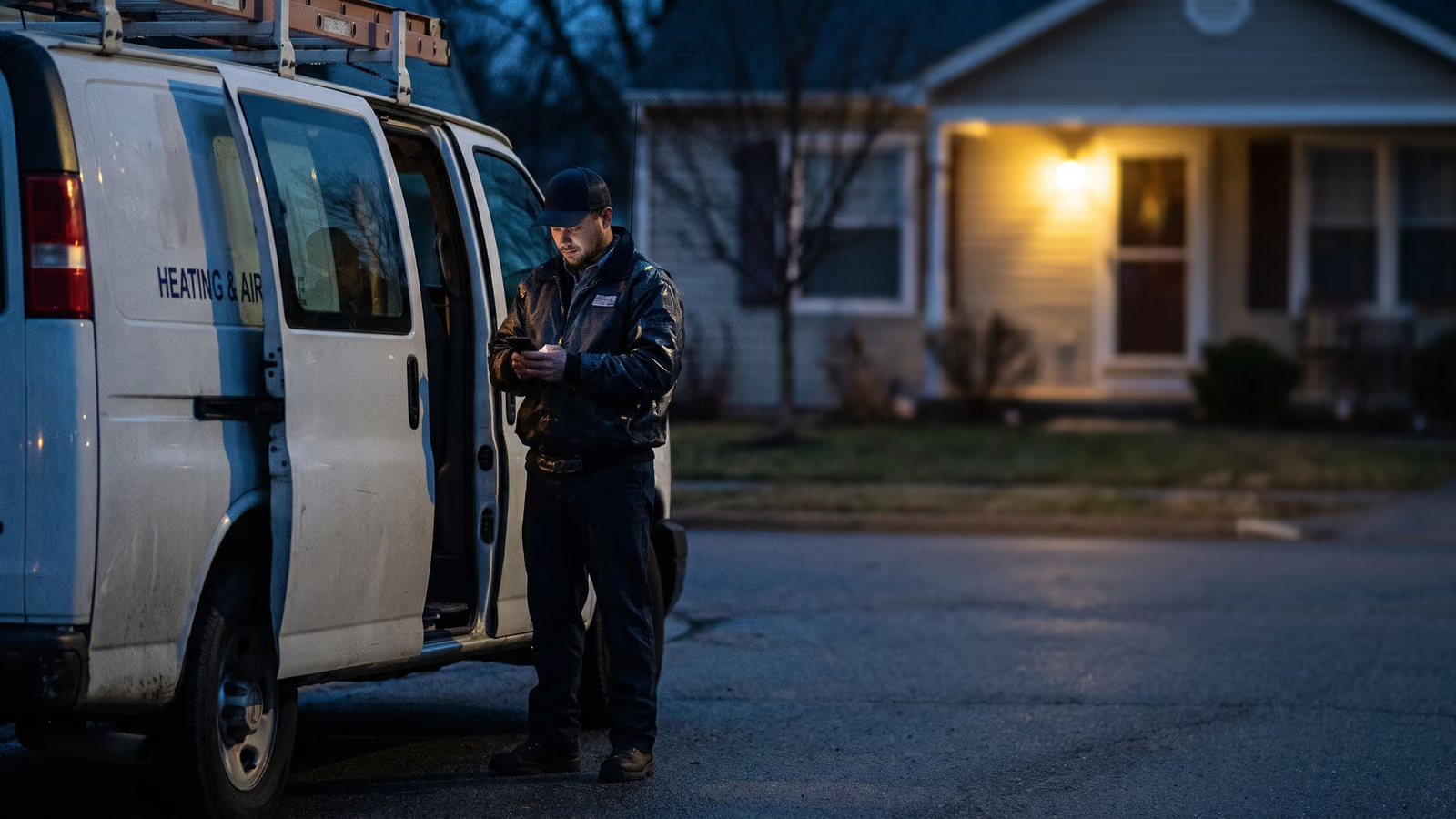
It's 9:40 on a Tuesday night. A furnace quits in a house with a baby in it. The homeowner finds your number, calls, gets a voicemail greeting, and hangs up before the beep. Then they call the next company on the list.
What happens to HVAC calls that come in after hours is usually nothing. The voicemail box sits there until someone opens it at 7 a.m., and by then the job is booked with whoever picked up. Most owners never see the loss, because a call that never turned into a job leaves no record.
There are a few ways to cover the phone at night, and they cost different amounts of money, sleep, and attention. By the end of this you'll know which one fits your crew and what it takes to set up.
What after-hours HVAC calls cost you when voicemail picks up
The phone rings four times and hands the caller off to a recording. That's the whole system in most shops. Nobody planned it that way. It's just what the phone does when the office closes at five and the owner is on a couch somewhere with the ringer down.
The caller hears a greeting they've heard a hundred times. Some leave a message. Most don't. A person with no heat at nine at night is working a list, and the next number on that list belongs to someone else. By the time a competitor picks up, your voicemail has a hang-up on it and nothing else.
Morning comes. Whoever opens the office listens to two messages, calls both back, books one. That one feels like a win. The four callers who never left a message aren't on any list anywhere, so nobody counts them.
The missed call cost hides right there, in the calls that left no trace. The message you didn't return is the small part of it. After-hours calls are usually the hottest work you'll get all week: no heat, no cool, water on the floor. People in that spot pay without arguing about the price, and they call three companies in five minutes.
Your voicemail box has no way to know that. It records the message and stops there.
The first freeze night brings a whole season's emergency calls
Most nights, the phone barely rings. Then the temperature drops below freezing for the first time in October, and every furnace in your service area that limped through last winter gives up at once. Same story in June, when the first 95 degree day hits and an AC unit that's been off since September won't start.
Those two nights hold the whole season's emergency work compressed into about eight hours, and every HVAC company in town gets the same flood of calls at the same time.
You're asleep. That's not a character flaw, you ran jobs all day. But the shop three towns over has a technician who answers, or a phone tree, or something. The customer with no heat and a baby in the house works down the list until somebody responds. Eight in the morning is far too late.
The company that answers first usually gets the job, and often the maintenance plan that follows it.
Voicemail, on-call techs, answering services and AI receptionists
Most shops land on one of four things, usually by accident.
The default is voicemail. The phone rings out, the caller hears a greeting, and somebody listens to it over coffee the next morning.
Some owners forward the line to their own cell, or build an on-call rotation so a tech takes the phone one week out of three.
Some pay a human answering service to pick up, take a message, and call the on-call number if it sounds bad enough.
And some are now trying an AI receptionist that answers in a voice and tries to book the job.
Each one fails in a different place. It's worth knowing where before you pick.
Forwarding calls to a cell phone or an on-call rotation
This is the cheapest option and the hardest on people. You point the main line at a cell phone, and whoever holds that phone is the business until morning.
Most shops start with the owner's phone. Then the owner gets tired, and an on-call rotation goes up on the whiteboard. One tech carries it a week at a time.
It works right up until it doesn't. A tech who worked a full day and got woken at 2 a.m. for a thermostat question is a tech who lets it ring the next night. That's how burnout shows up: not as a resignation, as a phone nobody answers.
And a forwarded call still needs a human awake, willing, and able to talk. Miss it, and the caller lands in the same voicemail box, three rings later than before.
Hiring a human answering service
A stranger answers in your company's name, takes the caller's name, number, and a line about the problem, then sends it to you. That's the service. It's real, and on a bad night it beats a voicemail box.
But the person on that line has never seen your schedule and doesn't know which tech is close to that address. They can't tell a cracked heat exchanger from a tripped breaker. So they take a message and promise a call back, and the caller waits again, this time knowing they already told their story once.
The good ones will follow a script you write: which calls to wake you for, which to hold until 7 a.m. Write that script yourself, or the answering service will decide for you.
Using a text-back tool instead of a voicemail box
The third option skips the voicemail box entirely. The call comes in, nobody picks up, and the caller's phone buzzes with a text a few seconds later. Not a recording. A real thread they can reply to, on the number they already dialed.
This is different from an AI receptionist that answers the phone and talks like a person. We don't do that, and we'd tell an owner to be careful with anyone who does. A customer with no heat at midnight can usually tell, and they hang up.
The text says who you are, that you got their call, and asks what's going on. The customer types back. That reply sits in a thread with a name and a number attached, waiting for a human. Sometimes that human is you, two minutes later, from bed.
A missed call fires the text before a competitor picks up
The trigger is the missed call itself. Your phone rings, nobody answers, the call ends. That event fires the automation, and the caller's phone buzzes while they're still deciding whether to try the next contractor on their list. No queue, no hold music, no one reading a script off a screen in another state.
What lands is an ordinary text from your business number. The customer can reply the way they reply to anyone. They type "no heat, house is 51 degrees, two kids." That message sits in a thread with their name and number on it.
The thread is the part that matters. An answering service takes a message and emails it to you. A voicemail sits in a box. A text thread stays open on both ends, so when someone on your side picks it up at 6 a.m., or at 12:20 a.m. from bed, the whole exchange is right there. No transcription, no callback tag, no "she said something about a furnace."
That's most of the missed call cost gone. Not the cost of the job itself, the cost of the customer deciding, in the forty seconds after your voicemail greeting starts, that you're closed and someone else isn't.
The automation does one thing well: it answers fast and it collects the problem in the customer's own words. It does not diagnose. It does not quote. It does not promise a truck. The moment the exchange needs judgment, a dispatch tonight or booking an appointment for the first slot tomorrow, it hands to a person.
That's the whole mechanism for what happens to HVAC calls that come in after hours: a trigger, a text, a thread, and a human at the end of it. A trigger, a text, a thread, and a human at the end of it.
Where the on-call tech has to take over the thread
A text thread can ask what's wrong. It can't decide whether a 78-year-old with no heat and an outside temperature of 9 degrees is an emergency tonight or a first-thing-tomorrow call. That's a judgment call, and it belongs to a person.
So the handoff has to be built in, not hoped for. When the customer texts back something that reads like heat is out and someone in the house is vulnerable, the thread needs to ring an actual phone. The on-call tech, the owner, whoever holds the pager that week. Same when the question turns into money. "What would a new compressor run me?" is not a question an automation should answer at midnight.
Two rules we use. First, name who receives the escalation by name, not by role, and name a backup. Second, decide what escalation means: a notification the on-call technician has to acknowledge, or a plain call to their cell.
The failure mode is a thread that keeps going politely and never reaches anyone. The customer thinks they're being handled. Nobody's handling them. That's worse than voicemail, because voicemail at least sounds closed.
Getting the forwarding, schedule, and handoff set up right
Start with the calendar, not the phone system. Write down who covers which nights and weekends for the next month and put it somewhere the office can see. An on-call rotation that lives in one person's head breaks the first week someone takes a vacation.
Then work the chain backward from that name.
- Decide the cutoff times. When does the office phone stop being answered by a person? Most shops know this already, they've just never written it down. Put the hours in writing, including what happens on Saturday afternoon.
- Set the forwarding. Your business line should forward to the on-call cell during those hours, or ring the office first and roll over. Test both paths from a phone that isn't yours.
- Plug the text back in at the point of failure. The automation fires when the call goes unanswered. No pickup, busy, or after the rollover fails. That's the trigger, and it should match the schedule you just wrote.
- Name the human on the other end. The thread has to land with the person holding the rotation that week, on a device they actually look at.
- Decide what the morning handoff looks like. Who reads the overnight threads at 7 a.m., and where do the ones that need a truck go?
Change the rotation, change the forwarding, change the trigger hours. All three, same day. Miss one and calls route to a tech who's off.
Who decides to dispatch at 2 a.m., and what that means for insurance
Some calls are not a scheduling question. A customer smells gas. A furnace is throwing a lockout code and the house has an infant in it. A rooftop unit is dripping into a tenant's ceiling. Those need a person with authority to say "go" or "call the gas company first, then go."
That person is usually the owner. Sometimes it's a lead tech who's been given the call. Decide which, in advance, and write it down next to the rotation.
There's a real difference between a technician choosing to drive out at 2 a.m. on their own and one dispatched by the shop. It touches who's covered, what the insurer expects, and whether the hours get paid. We're not the people to tell you how your policy reads. Your agent is. Ask them a direct question: when a tech responds to an after-hours emergency, what do you need documented?
Then build the answer into the workflow. A text thread that logs who called, when, what they said, and who authorized the truck gives you that record without anyone writing it up later.
Teaching the triage call: no heat, no cool, and everything between
No heat at 11 p.m. in January is a different call than no heat at 11 p.m. in April. The furnace question is about how cold the house gets by morning and who's in it. An infant, someone on oxygen, an elderly customer alone, pipes that could freeze. Those go out tonight. A healthy adult with space heaters and a 40 degree night can usually wait until seven.
Cooling splits the same way. A failed AC unit in a mild week is a morning job. A house at 95 inside with a customer who has a heart condition is not.
Three questions settle most of it:
- Is anyone in the house at risk from the temperature right now?
- Is there any smell of gas, burning, water running where it shouldn't, or a CO alarm going off?
- Is there partial heat or cool anywhere, or none at all?
Safety answers override everything. Gas smell means the customer shuts the valve if they can, gets out, and calls the utility before a tech ever rolls.
Write the questions on a card. Whoever reads the thread at 11 p.m. shouldn't be deciding from scratch.
A text back only pays off if someone reads it in the morning
The automation sends the text. It does not sell the job. If the thread sits open at 9 a.m. while the office answers the desk phone and dispatches the day's calls, that caller is already talking to someone else.
So the workflow has to end at a person. Someone has to own the after-hours thread by name. Office manager, owner, whoever unlocks the door first. Not "the team." A person.
The easiest way to make that stick is a morning report: one message, first thing, listing the calls that came in overnight, who got a text, and which threads nobody answered. Read it before the first truck leaves. Every unanswered thread gets a call back in the first hour, while the customer is still sitting in a cold house deciding what to do.
Owners tend to think about the missed call cost as the phone ringing out. The bigger version is a text that went out, got a reply, and then went quiet on your end. That customer already told you what was wrong and that they wanted help. Losing that one stings more than losing a voicemail.
Watch the text land on your own phone
Reading about a missed-call text back is not the same as getting one. On a call, we'll set it up live: you call a number, hang up, and watch the text arrive on your own phone in seconds. You see the wording. You see how fast it goes. You reply as the customer would and watch where the thread lands on our end.
That's usually enough to tell you whether it fits your shop. Some owners want the text to promise a call back within the hour. Some want it to hold the line until 7 a.m. and say so plainly. You can hear both and pick.
If you want to see it on your phone, book a New Project Consultation.

About the author
Chris Hobbick
I build and fix websites, Shopify stores and business software. I work directly with business owners to understand the problem and agree on the work and price.
Meet Chris →Keep Reading
More Practical Reading.
Real articles on business systems, websites and automation.