
Texting Customers From a Business Number for Contractors
What it takes to text customers from a number the business owns instead of a tech's cell phone, carrier rules included.
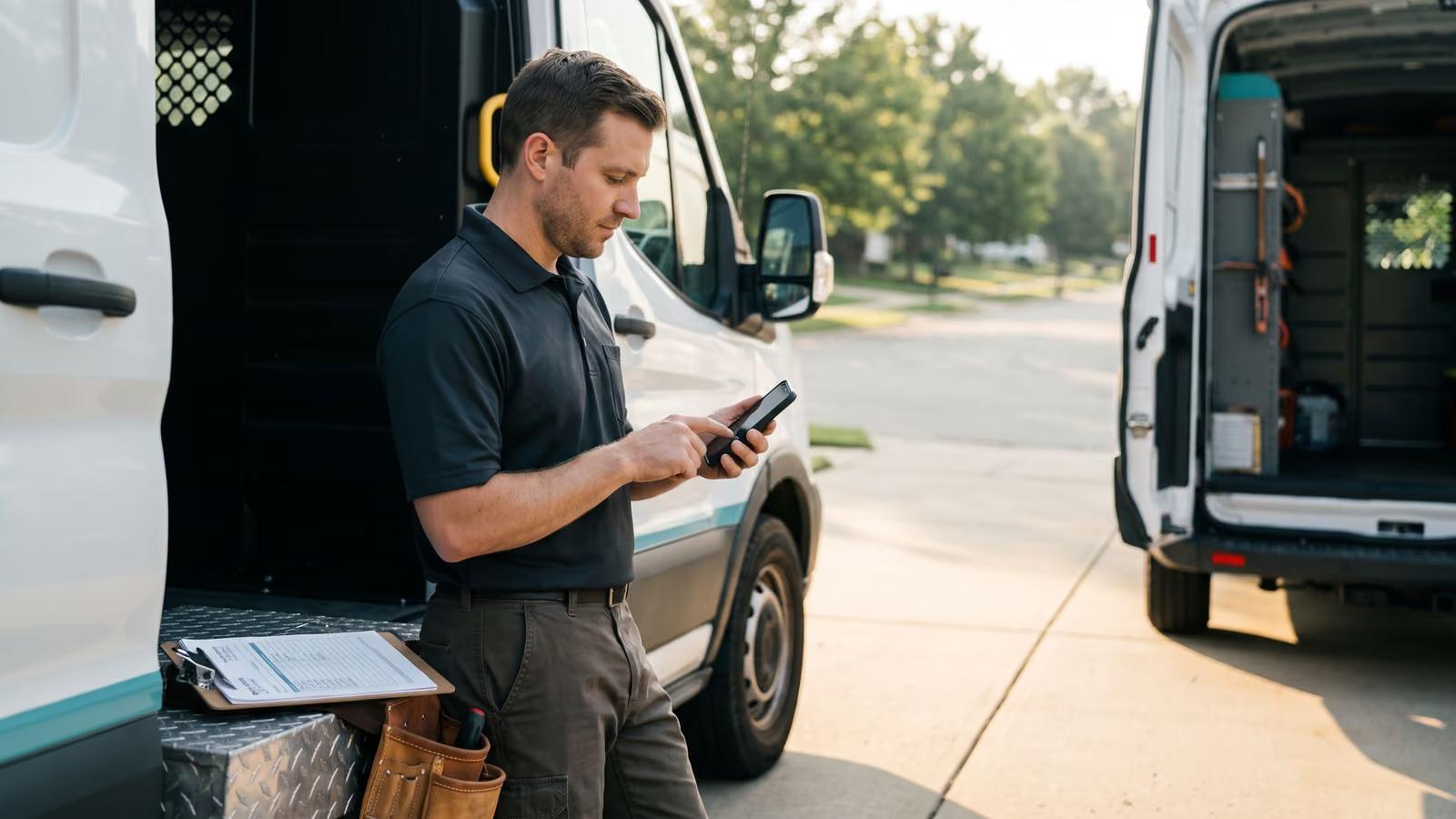
Your cell number is on three hundred customer phones. Half of them text you at 9pm about a thermostat. The office manager has her own thread going with a different set of customers, and when she leaves, so does every photo and every address she ever got by text.
That's the real cost of running the shop off personal phones. For contractors, texting customers from a business number fixes the ownership problem first: the thread belongs to the company, not to whoever's holding the handset.
Setting one up takes more than picking a number. There's carrier registration, consent, and the question of whose name the account sits in. By the end of this page you'll know what to set up, what to ask a vendor, and whether your shop is ready to start texting this week.
Why texting customers from a business number beats your personal cell
Call in sick on a Tuesday and the shop goes half blind. Three customers are mid-conversation with you about a start time, a gate code, a photo of the panel they sent yesterday, and none of it is anywhere the person covering the phone can see it. They start over. The customer repeats themselves. Somebody looks like they're not paying attention.
That's one day. The worse version is permanent. A tech moves on and takes a year of job history with him, because every address, every "we're running late," every picture of the crawlspace lived on a cell phone the company doesn't own.
Texting customers is now the way most people prefer to deal with a contractor. They skip voicemail and send a photo of the leak at 7am before work. Your shop texts. The real question is whose phone those texts land on.
A business number puts the thread where the business can get to it. Whoever picks up the job sees what was already said. The office can scroll back six months and find the photo of the unit before the tech drives out. Nobody has to ask a former employee for a screenshot.
It also keeps your personal phone yours. That matters more than owners expect, usually around the third weekend in a row.
Landline texting, a toll-free number, or a new local line
Most shops already have a number customers know. The question is whether it can receive a text.
Three common setups:
- Landline texting. Your existing office line gets a texting layer added on top of it. Calls still ring the way they always have. Texts route into software instead of disappearing. Customers never learn a new number, which is the main reason owners pick this.
- A toll-free number. Works well if you cover a wide area or you're starting fresh. Toll-free numbers go through a separate approval process with the carriers, and once approved they tend to deliver reliably at volume.
- A dedicated local line. A new number in your area code, used only for texting and maybe for the ads you're running. Keeps your main line clear.
What separates a real business text number from a cell phone isn't the digits. It's where the messages live. A business number sends and receives SMS inside software the company controls, so the thread is a company record. More than one person can see it. The history stays when someone leaves.
A personal cell phone gives you none of that, no matter how long the shop has used it.
Two-way texting means the customer can text back
Plenty of shops send appointment reminders and stop there. The message goes out, the customer reads "Your tech arrives between 8 and 10," then has a question about it. There's nowhere to put the question. So they call, and the phone rings while the office is already on another line.
A reminder-only setup treats text messaging like a quieter version of email. Customers don't use it that way. They reply. They ask whether the side gate needs to be unlocked, whether they should shut the water off before you get there, whether Thursday still works now that their kid's game moved.
Two-way texting means that reply lands somewhere a person can see it and answer in a minute, from the office, in the thread the customer already started.
It also means they can send a photo. The outdoor unit with the model number visible. The puddle under the sink. The brown patch in the lawn that the sprinkler keeps missing. A tech gets more from one picture than from three minutes of a homeowner describing a noise.
Often that photo is enough to book the job right there in the SMS thread.
What A2P 10DLC means for a small shop
You can't just point software at a phone number and start sending. US carriers filter business texts now, and an unregistered number gets its messages dropped quietly. No error, no bounce, the customer simply never sees it.
The rule is called A2P 10DLC: application-to-person messaging on a standard ten-digit local number. Carrier registration means telling the carriers who your business is, what kind of texts you send, and that the people getting them agreed to it. It applies to a three-truck plumbing shop the same as it applies to a national brand.
Two things have to be in place before your first text goes out. The number has to be registered, and you need consent on file.
How to register your business text number with the carriers
Carrier registration exists because texting got abused. Verizon, AT&T and T-Mobile got tired of scam blasts hitting their customers, so they built a gate. Legitimate businesses sign in at the gate and get through. Everything else gets filtered.
Registering under A2P 10DLC means handing over two things. First, your business identity: legal name, EIN, physical address, website. Second, a description of your campaign, meaning what you actually send. Appointment confirmations. Quote follow-ups. Invoice reminders. You say how customers agree to receive those texts, and where that agreement happens.
Carrier registration runs through whoever provides your messaging, and the carriers review it. A2P 10DLC applications do get rejected, usually for small mismatches. The business name on the form doesn't match the name on the EIN. The website doesn't mention texting anywhere. The listed use doesn't match what you're really sending.
So before you start, pull up your EIN paperwork and your website side by side and make them agree. That's an hour of work that saves a rejected application.
If we're building your texting setup, we handle the registration paperwork with you and tell you exactly what the carriers need from your side.
Get the opt-in on file before your first text goes out
Carriers want proof that the person on the other end asked to hear from you. So the asking has to happen somewhere you can point to later.
The easiest places to put it:
- Your website forms. A checkbox next to the phone field that says the customer agrees to get texts about their job. Not pre-checked.
- Your quote and booking forms. Same line, same wording, on paper or on the tablet in the truck.
- The first phone call. Your office asks, "Can we text you job updates at this number?" and marks the answer in the customer record.
Keep the wording short and honest. Say who's texting, what the texts are about, and that the customer can reply STOP. If you plan to send review requests or seasonal reminders later, say that too. A customer who agreed to appointment reminders didn't agree to a spring tune-up promotion.
One thing worth building in now: a field on the customer record that holds the opt-in. Date, source, and the exact words they saw. If you're setting it up before you send anything, it costs you almost nothing.
Text message scripts for confirmations and quote follow-up
Short texts get read. Long ones get ignored. Every message below fits on one phone screen, names the business, and gives the customer one thing to do.
Appointment confirmation
> Hi Dana, this is Ray from Kemp Heating. You're on the schedule for Tue 3/4 between 8 and 10am at 114 Oak St. Reply C to confirm or R to reschedule. Reply STOP to opt out.
Day-before reminder
> Kemp Heating: Ray will be out tomorrow between 8 and 10am. Please make sure we can get to the furnace and the panel. Text us here if anything changed.
Quote follow-up, two days out
> Hi Dana, Ray here from Kemp Heating. Any questions on the estimate I sent Monday? Happy to walk through the options over the phone. If you want to get on the schedule, just text back a day that works.
Quote follow-up, a week out
> Checking in one last time on that furnace quote. The pricing holds through the end of the month. Text back if you want it, and I'll leave you alone if not.
Invoice reminder
> Kemp Heating: invoice #1042 from the 3/4 visit is still open. You can pay here: [link]. Reply here if something looks off.
Fill in your own amount and link. Never send a reminder on invoices you haven't confirmed are actually unpaid.
Review request, sent the evening of the job
> Thanks for having us out today, Dana. If Ray did right by you, a quick Google review helps us a lot: [link]
Keep the sender name consistent. Pick one voice for the business and use it on confirmations, scheduling changes and follow-up alike, so the thread reads like one company talking.
Documenting consent and handling opt-outs
Yes, you need permission before you text a customer. The short version: someone has to have given you their number and agreed to hear from you by text. A checkbox on your booking form, a line on the work order, a reply to your first text saying "yes, text me." Any of those is an opt-in, as long as you can show it later.
Write the consent down where the number lives. In the customer record, note how consent came in and when. If the only record of it is in somebody's memory, you don't have one.
Honor STOP the moment it arrives. A customer who replies STOP, UNSUBSCRIBE or "quit texting me" comes off the list, and off it for every kind of message, not only the one they were annoyed by. Good texting tools handle that automatically. Check that yours does, and check that the opt-out actually sticks across your reminders and review requests too.
The red flags are easy to spot once you know them. Blasting a list you bought or scraped. Texting old customers who never agreed to anything because business is slow this month. Marketing texts with no way to opt out. Sending a promo at nine at night. Each one is the kind of thing that gets your number flagged by carriers and raises TCPA questions you don't want to answer.
Compliance here is mostly manners written down. Text people who asked to be texted, stop when they say stop, keep the record.
How texting fits with your scheduling and invoicing
A separate texting app means you type everything twice. The customer texts an address, you copy it into the scheduler. They confirm Tuesday afternoon, you open the calendar and book it. They ask what the estimate covered, you go find it in another tab. Every copy is a chance to put the wrong unit on the wrong street, and none of it ends up attached to the job record where the next person can see it.
The thread also drifts out of sync with the work. The office says Tuesday in a text, somebody moves the job to Wednesday in the schedule, and nothing goes back to the customer. That's not a texting problem. That's two systems that don't talk.
Texting is built into our platform instead of bolted onto the side of it. A customer texts and attaches a photo of the unit, the leak, or the dead patch in the lawn, and the job gets booked straight from that thread. The confirmation writes itself. The photo lands on the job, so the tech sees the actual model plate before he loads the truck, and whoever writes the estimate isn't guessing from a description someone typed from memory.
From there the same record carries through scheduling and into invoices. The text history, the photos, the estimate and the invoice sit together in one CRM under that customer's name. When they text eight months later about the same unit, the whole story is right there.
Moving your team off personal phones without losing the history
The number customers already know can usually be ported. If your shop has been handing out a cell phone number on trucks, magnets and invoices for years, you don't have to give it up. You move it onto the business texting line and the calls and texts keep arriving at the same place they always did. Porting takes time and paperwork with both carriers, so start it a few weeks before you want to be live, and keep the old line active until the port finishes.
Here's the part owners get wrong: the port brings the number, not the conversations. Old threads stay on the handset they were sent from. Before you cut over, have each tech screenshot or export anything that matters, like a photo of a serial plate, an agreed price or a customer's gate code, and get it attached to the job record it belongs to.
After that, every new thread lives in a shared inbox the office and the crew can both see. Team texting means the person who picks up the job tomorrow reads what the customer said today. When somebody quits, their personal phone walks out the door with them and the customer history stays.
Ready to get your shop's texting onto a number the business owns? Book a New Project Consultation.
A business number only works if someone's watching it
Automation handles the predictable parts. The missed-call text goes out in seconds. The confirmation writes itself when the job gets booked. Reminders fire the day before.
None of that answers a customer who writes back "can you come Thursday instead, and does the price change if it's the compressor?"
That needs a person. For contractors, texting customers from a business number is still a conversation, and a conversation left on read for six hours does more damage than no text at all, because the customer knows you saw it. They can see the thread is live. They just can't see anyone in it.
So decide who's watching the shared inbox before you turn it on. Usually that's the office manager between calls. In a three-person shop it might be the owner at lunch and again at five. Either works. What doesn't work is "everyone," which means nobody.
Set a rule the crew can actually keep: every thread gets a human reply within the workday, even if the reply is "got your photo, pricing it now, back to you by noon tomorrow."
Who actually owns the number when the software is yours
A phone number is an asset. It's on your trucks, your yard signs, your invoices, and in the contacts of every customer you've served. So it matters whose name is on the account.
On the Make It Rain rebuild, the texting runs on Twilio and the payments run on Stripe, and both accounts were opened in the client's name, on the client's card. We built on top of them. That means the business text number belongs to the business. If the owner ever stopped working with us, he logs into his own Twilio account, and the number and the message history stay with him.
Compare that to the common setup, where the vendor owns a pool of numbers and assigns you one. It works fine right up until you want to leave. Then the number is theirs, the thread history is on their servers, and you're starting over with a number your customers don't recognize. Some owners find this out the hard way during a price increase.
Ask any texting vendor two questions before you sign. Whose name is on the carrier account? And if I cancel next year, do I keep the number and the history, or do you?
The answers tell you most of what you need to know. A vendor who's comfortable with you owning the account is a vendor who expects to keep you by being useful.
Questions contractors ask about texting customers
Do other contractors text their commercial accounts? Constantly. Property managers, GCs and facilities people live in text. They want a time window and a photo, not a phone call during a walkthrough. Texting works there because the message gets read between other things, and because the answer takes four words.
Do I need permission before I text someone? Yes, and it's less work than it sounds. If a customer calls you and you text them back about that call, you're answering a request they made. What needs real care is anything that looks like marketing: review requests, seasonal reminders, promotions. That's where TCPA compliance comes in, and that's where you want a clear opt-in: a line on your booking form, a checkbox on the website, a reply to a first text. Keep the record of how you got it.
What's a red flag in a texting setup? A vendor who tells you consent doesn't matter for your kind of business. Another is a setup where you can't see who agreed to what, or where STOP replies go nowhere. If nobody can show you the opt-out list, there isn't one. And if the texting number is owned by the vendor rather than by you, that's a problem that only shows up on the day you want to leave.
The practical version of all this: one business number, a record of who said yes, an automatic answer to STOP, and a person watching the thread during the day.
If you want a look at how this would run in your shop, book a New Project Consultation.

About the author
Chris Hobbick
I build and fix websites, Shopify stores and business software. I work directly with business owners to understand the problem and agree on the work and price.
Meet Chris →Keep Reading
More Practical Reading.
Real articles on business systems, websites and automation.