
What Is the Best Automation Software for a Small HVAC Company?
Six office jobs eat an HVAC owner's week. Here's what to automate first, what it costs, and whether you need new software at all.
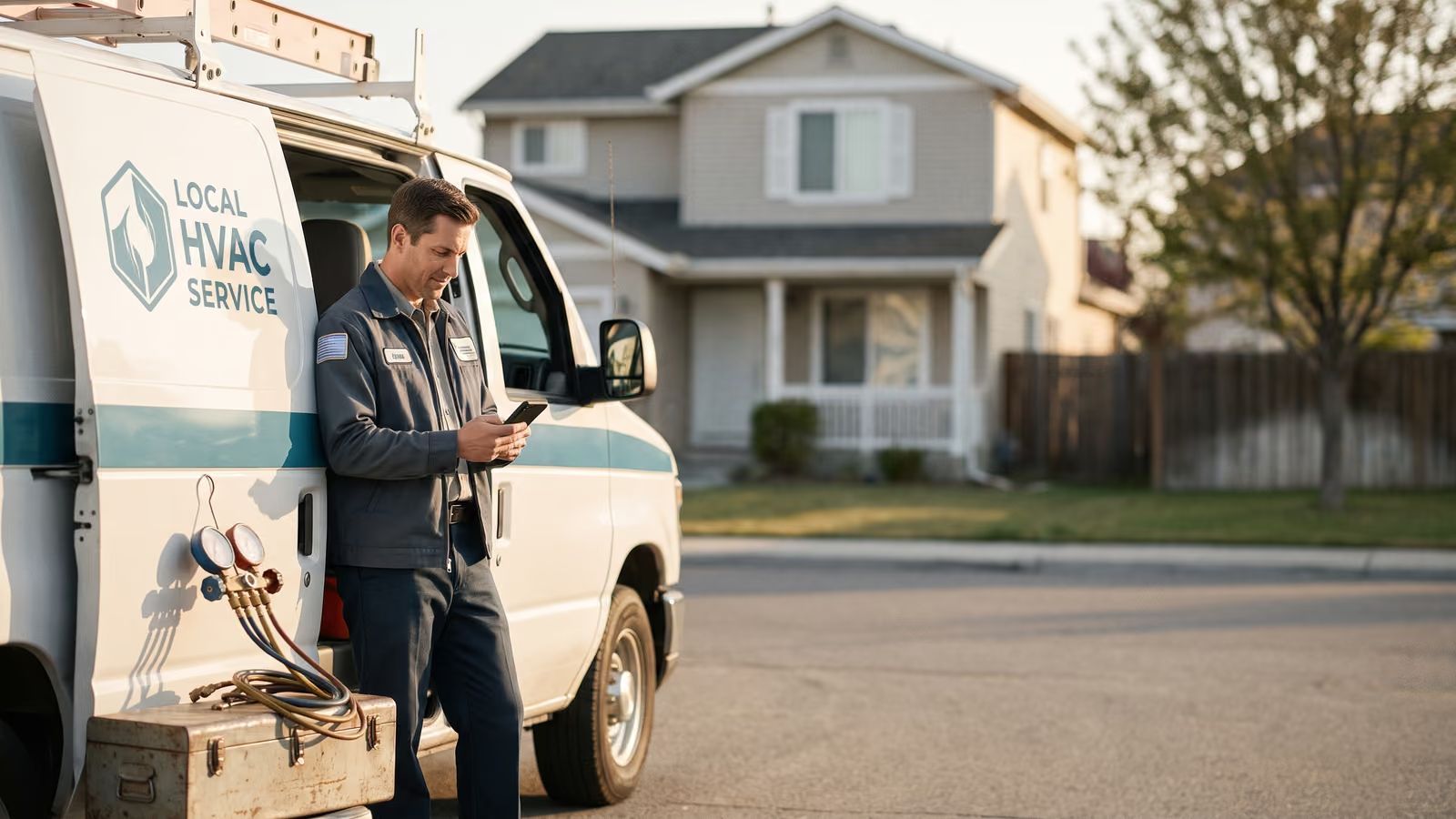
It's 8:40 at night. You're at the kitchen table with your phone, working back through the day: three calls you never returned, a quote from last Tuesday you meant to follow up on, two invoices past thirty days, and a tech's job notes that came in as four words and a photo. So you open a browser and start looking for the best automation software for a small HVAC company, because somebody must have solved this already.
Plenty of companies sell you something. Fewer will tell you which parts of your week actually need to be automated, and which ones you're already paying for twice.
By the end of this page you'll know what to automate first, what it should cost, and whether you need a new app at all.
The real question isn't which software is best
Ask ten owners what HVAC software they run and you'll get ten answers, and most of them are half-using two things at once. A scheduling app on the office computer. A separate accounting tool. A phone that texts customers when someone remembers to.
Usually the software works fine. A handful of small office jobs only get done when a person has a free minute, and in a small business nobody has a free minute. Those jobs are the ones that quietly decide whether this month is good. Calling people back. Following up. Getting paid. Asking for the review. Knowing what actually happened on the trucks today.
A better app won't fix any of that. Those jobs have to happen whether or not anyone is at the desk.
So here's the useful question. Which pieces of your week run on their own right now, and which ones run only when you're awake and thinking about them? Make that list honestly and you'll usually find the same six gaps in every small shop. You'll also find that the tools you already pay for could cover most of them if they were wired together.
We'll go through those six next, then what fixing them costs.
The six jobs that eat an HVAC owner's week
The phone rings while you're on a roof with a gauge in your hand. It goes to voicemail. That caller dials the next company on the list and you never know it happened. Missed calls are the quietest money loss in the trades because nothing shows up anywhere. No record, no missed-call tally, no angry customer. Just silence.
Then there's the quote you sent Tuesday. The customer meant to read it. You meant to follow up. Nobody did either, and by the next week it's cold.
Invoicing is the third one. The job's done, the invoice went out, and now it sits. Somebody has to notice it's late and send a polite nudge. In most shops that somebody is already answering the phone and scheduling tomorrow's calls.
Fourth: reviews. You do good work, the customer is happy, and nobody ever asks them to say so in public.
Fifth: job notes. Technicians finish a call, tell you about it in the parking lot, and it never makes it into the file. Six months later nobody can say what model was installed or what was replaced last time.
Sixth: you have no snapshot of the day. What got done, what didn't, what's still open, what's unpaid. You piece it together from memory and texts at nine at night.
Field service software can hold the schedule, the paperwork and the inventory management for all of this. What it usually doesn't do is make any of these six things happen on their own when nobody's at the desk.
Why buying another app rarely fixes it
Jobber, Housecall Pro and ServiceTitan are all capable tools. Shops run their whole schedule on them. The problem is that most of what they do is hold information and wait for someone to act on it.
The quote is in there. It sits at "sent" until a person opens the list and decides to follow up. The unpaid invoice is in there too, aging quietly. The missed call shows up as a missed call. None of that moves on its own at 4:40 on a Friday when the office manager has already left.
So the owner buys a CRM to fix the follow-up, and now there are two systems holding half the customer's history each. The tech still writes notes on his phone in a text. Nobody's week got shorter.
Then there's the pricing. Most of these tools charge per user, per month, forever. Add a tech, add a seat. Add a dispatcher in the spring, add another seat. Give the office manager her own login instead of sharing one, add another. A three-truck shop and a nine-truck shop are running the same software and paying very different numbers for it, and the bigger bill doesn't come with anything new, just more people logged in.
We've watched owners switch platforms twice in three years chasing this. The second platform has the same gap as the first. The gap comes from having nothing set up to act without a person.
The six automations worth building first
Six jobs run a small HVAC office. Each one can be handed to an automation that sits on top of the scheduling and dispatching tools you already use.
- Missed-call text-back. The phone rings out, a text goes to that caller within seconds asking what they need.
- Quote follow-up. An estimate goes out and the follow-ups go out after it, on their own, until the customer answers one way or the other.
- Unpaid invoice chasing. Reminders keep going until the invoice is paid, without the office manager keeping a list.
- Review and referral requests. The job closes, the ask goes out while the customer still remembers the tech's name.
- **Technician job-note write-ups. Technicians talk or type rough notes into the mobile app, and the write-up comes back clean and attached to the job.
- Daily owner's report. One message at the end of the day: what got done, what didn't, what's owed.
None of that requires new scheduling software. The calendar you dispatch from stays where it is. These six get wired into it.
Automations that answer the phone, quote, and get paid
A missed call in August is a customer already dialing the next shop. Missed-call text-back sends a message the second the phone stops ringing: who you are, that you saw the call, and a question that gets them to say what's wrong. Most people will text back when they won't wait on hold. The tech in a crawlspace doesn't have to stop working, and the office manager doesn't have to call every number on the missed list at four o'clock.
Quote follow-up works the same way. You send the quote, then the sequence takes over. A text a day or two later, another one after that, spaced out so it doesn't read like nagging. It stops the moment the customer replies or books. The owner never has to remember which four estimates are sitting out there. That's the whole point: the follow-up happens whether or not anyone thinks about it.
Unpaid invoices are the least fun part of the week, which is why they slide. An automation sends the reminder at seven days, again at fourteen, again at thirty, with the pay link right in the text. Nobody has to feel awkward about it because nobody has to do it.
All three can run off the phone. When the tech marks a job complete in the mobile app, the review ask and the invoice reminder chain start from that one tap. No second system to update.
Automations that write up jobs and report the day
Most technicians hate typing. So job notes come back as three words and a photo, and the office has to call the tech to find out what actually happened.
A job-note automation takes what the tech does say (a voice note, a few lines in the mobile app, the parts used) and turns it into a clean write-up the office can read, attach to the customer record, and bill from. The tech talks for thirty seconds at the truck. The office gets a paragraph. Nobody re-types anything, and the labor and parts land where you need them for job costing later.
Review and referral requests work the same way. The ask goes out by text after the job is marked complete, while the customer still remembers the tech's name. A second message, a week or two later, asks if they know anyone else who needs the same work. Neither one requires the office to remember.
Then there's the daily report. One text or email in the morning: what's on the board, what got closed yesterday, what invoices went out, what's still unpaid, which quotes are sitting. Owners read it in the truck with coffee.
That report is the thing owners tell us they'd miss most. It replaces the four phone calls you used to make before 9 a.m.
What this costs compared to buying more software
Most HVAC software is priced per user, per month. That's fine when you're the owner plus one tech. It gets uncomfortable at six, and it stings at fifteen, because the bill grows every time you hire. The work the software does hasn't changed. Your headcount did.
There's a second cost nobody puts on the invoice. Add-ons. The base plan covers scheduling, then review requests are extra, texting is extra, the QuickBooks connection sits on a higher tier. Owners end up paying for a package built for a company three times their size to get one feature they actually wanted.
Here's a thing you can do this week. Pull last month's card statement and write down every software charge, including the ones you forgot about. Next to each, write what it does that you'd miss. Then check which lines are billed per seat, and multiply by the crew size you expect to have next spring. That number is the real cost of your current setup.
We price automation builds as a fixed project. You pay once to have the thing built, and you own it. Hiring two more techs doesn't change what you pay us. Neither does a good year.
That model isn't better for everyone. If you want a big platform with a support line, a phone app that's updated every month, and someone else responsible for hosting it, a subscription makes sense, and Jobber or Housecall Pro will serve a small business well. Where fixed-price wins is when you already run tools you like and you want six specific jobs done inside them, without another monthly line item that grows with your crew.
How long it takes to get running
Start with one automation, not six. Missed-call text-back is usually the easiest to turn on, because it needs almost nothing from you: a phone number, a message you approve, and a place for the reply to land. Nobody has to change how they work for it to help.
The thing that sets the pace is your data, not the build. A shop with customers in a spreadsheet gets moving faster than a shop with names in a notebook and phone numbers in three different cell phones. If you're on paper, the useful first step this week is pulling your active customers into one list with a name, a phone number, an email and an address. You'll need that list no matter which direction you go.
Scheduling and job records take longer to move over than communication automations. That's normal. You're not just copying data, you're deciding how jobs get assigned and who marks them done. Very little of the delay in a small business is technical. Most of it is waiting on the owner to answer questions like which techs see what, and who gets the notification when an invoice is thirty days out.
Expect a stretch where the new thing and the old way run side by side. Keep the whiteboard up for a couple of weeks. Let the office watch the automated texts go out before you trust them unattended. Once your team stops checking, it's working.
What breaks when you connect QuickBooks and other tools
Sync is the part that quietly fails. An invoice gets created in one place, paid in another, and the two systems disagree about whether the customer owes you anything. Then your automated reminder texts a guy who already paid.
That's the risk worth planning for. Any invoicing tool that talks to QuickBooks is passing data one direction or both, on a schedule, and something in the middle can stall. A customer name spelled two ways. A payment taken by card at the door that doesn't land until the next sync. A credit memo nobody mapped.
The fix is boring and it works: before an unpaid-invoice reminder goes out, the automation checks the payment status one more time. Build a hard stop on anything marked paid, partially paid, or in dispute. Then have the office spot-check the reminder queue every morning for the first few weeks.
We build around what a shop already runs. If your bookkeeper lives in QuickBooks and your office manager knows the current invoicing screen cold, that stays. The integration work is wiring the automation to read from those tools, not replacing them because a new app wants to own the whole ledger.
Ask any vendor what happens when the sync fails. If they say it doesn't, keep asking.
What software do most HVAC companies use
Walk into ten small HVAC shops and you'll find some mix of the same few things. Jobber or Housecall Pro for scheduling and invoicing. ServiceTitan in the bigger shops that grew into it. QuickBooks for the books, almost always. And paper somewhere in the middle: a clipboard in the truck, a whiteboard in the office, a legal pad by the phone.
All of those are fine tools. Jobber and Housecall Pro are built for crews your size. ServiceTitan carries more than most small shops need, along with the price and the setup time that come with it. QuickBooks does what it's supposed to do.
None of them decide whether a missed call gets a text back in thirty seconds. None of them decide whether a five-day-old quote gets a second touch. That part depends on whether someone wired it up, or whether someone in the office remembers.
So the question worth asking is whether the six jobs (missed calls, quote follow-up, invoice chasing, review requests, job notes, the daily report) happen on their own inside whatever you already have open.
Is there a best AI tool for HVAC companies
Nobody selling you an AI tool can tell you which of your calls got missed last Tuesday. That's the problem with shopping for one.
AI is useful in a few narrow spots. Turning a tech's voice memo into a clean job note is one of them. The tech talks for forty seconds in the driveway, and the write-up lands in the job record before he's back on the road. Drafting a quote follow-up text that sounds like a person wrote it is another. Both of those are pieces inside a larger automation, not products you buy on their own.
What we'd skip: anything pitched as an AI assistant that sits beside your existing tools and needs someone to check on it. You already have enough windows open.
Start from the work instead. Which of the six jobs costs you the most every week? Build that one so it runs without anybody remembering. If AI makes a piece of it faster, fine. If it doesn't, the automation still works.
Where First-Rate Tech fits in
We build the six automations. That's the work.
Since 2018 we've done this for HVAC, plumbing, roofing, landscaping and irrigation shops across New York and Connecticut. Missed-call text-back, quote follow-up, unpaid invoice chasing, review and referral requests, technician job-note write-ups, and a daily owner's report. Usually inside the tools the shop already runs. Sometimes we build the field service software too, when what a crew has is a whiteboard and a group text and the owner wants scheduling, dispatch, quotes and invoices in one place.
Every build is fixed price. You know the number before we start, and it doesn't change because you hired two more techs in the spring. There's no per-seat fee, and there's no monthly charge that keeps climbing as the crew grows. When it's built, you own it.
That last part matters more than it sounds. Most shops rent their office systems. If you stop paying, the automation stops and the customer history sits behind someone else's login. We'd rather hand you something that's yours.
We start by asking which of the six jobs is costing you the most right now, and we build that one first. Sometimes an owner only ever needs two of them. That's a fine outcome. You're not buying a platform you have to grow into.
Talk it through before you buy anything
Before you pay for anything new, get clear on where the work is actually leaking. Pull last month's missed calls. Count the quotes nobody followed up on. Look at how many invoices are sitting past thirty days, and ask your office manager which of those three bothers her most. That's usually the honest answer about what to fix first, and it rarely matches whatever feature you were about to buy.
We'll do that read with you for free. It's a short conversation about how calls come in, who writes the quotes, how jobs get written up, and where things stall. Sometimes the answer is an automation we build. Sometimes it's a change to how the phone gets answered, and you don't need us at all.
If you'd like that conversation, book a New Project Consultation.

About the author
Chris Hobbick
I build and fix websites, Shopify stores and business software. I work directly with business owners to understand the problem and agree on the work and price.
Meet Chris →Keep Reading
More Practical Reading.
Real articles on business systems, websites and automation.