
How Missed Call Text Back Works for Contractors
The text that goes out the second a call gets missed, why it works, and what has to be true in your shop before you turn it on.
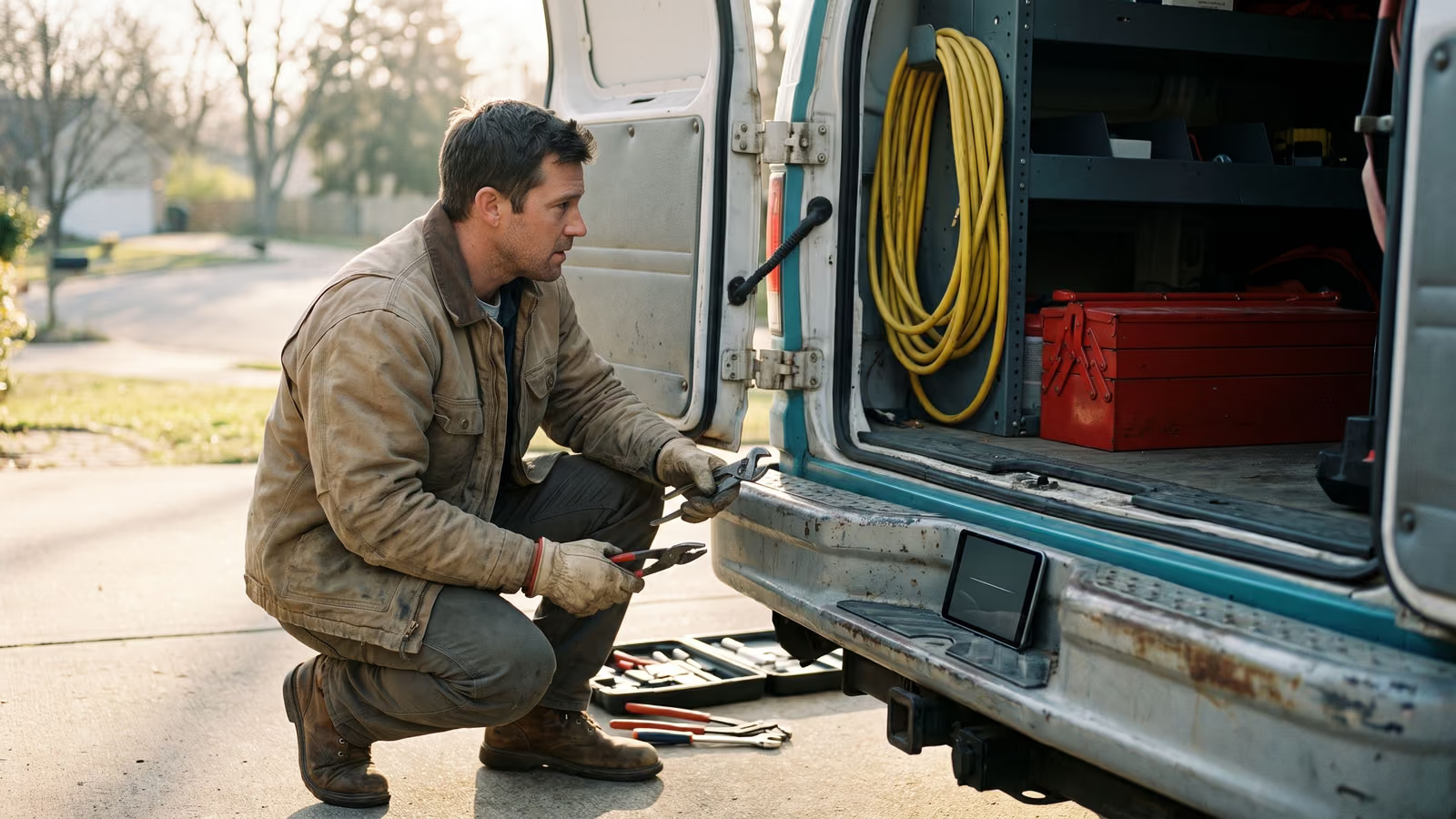
You're under a house with a wrench in your hand and the phone buzzes in your pocket. You can't answer it. By the time you're back in the truck, there's a voicemail notification you may or may not check, and a caller who has already dialed the next name on the list. Your office manager knows the feeling from the other side: two lines ringing, one of them going unanswered.
Missed-call text back is the fix most HVAC, plumbing and electrical contractors start with, and it's usually the cheapest automation to stand up. An unanswered call triggers an immediate text from your business number saying who you are, that you saw the call, and asking one question that gets the job moving.
By the end of this page you'll know whether it's worth turning on in your shop, and what has to be true first for it to work.
What happens when a contractor misses a call
The phone rings at your shop and nobody picks up. Maybe the office manager is on the other line, maybe it's 6:40 in the morning, maybe you're under a house. The ring goes unanswered, the call rolls to voicemail, and that's where most shops leave it.
With text back running, something else happens at the same time. The moment the call ends without being answered, the system sends an SMS from your business number. Not a different number, not a 1-800 line. The same number the customer just dialed, so the message lands in the thread they already have with you.
A good one does three things in two sentences. It names the business, so the caller knows who's texting. It says you saw the call. Then it asks one question that starts the job.
> Hi, this is Delgado Plumbing. Sorry we missed your call. What's going on at the house?
That's it. No menu, no "your call is important to us," no request to call back at a better time. The customer can answer from the parking lot or the break room with one thumb.
A missed call used to be a dead end that depended on whether the caller left a voicemail and whether anyone listened to it. Now it's a text message thread with a question in it, waiting for a reply.
Why text back is not an answering service
An answering service puts a human on the line. Someone picks up, takes the details, and books or escalates. Missed-call text back sends one message, then waits. If the caller needs a person right now, a text is not going to hold them. Water coming through a ceiling. No heat with a newborn in the house.
It also won't save a shop where nobody reads the replies. The text goes out in seconds, and then a customer answers, and that answer sits in a thread on somebody's phone. If it sits for two hours, you've automated the greeting and kept the same response time you had before. The automation buys you the opening. A person still has to do the follow-up.
So before you turn it on, decide who watches the thread. On a three-person crew that's usually the owner's phone in the truck. In a shop with an office manager, it's her screen, all day. Somebody has to own it by name.
We tell every prospect this on the first call. The text is the easy part.
Why a missed call turns into a lost job
Think about what the caller is doing at that moment. The AC quit, or there's water coming through the ceiling, and they've got a search results page open with four names on it. Yours was one of them. The phone rang, nobody picked up, and they hit the back button and tapped the next one.
That's the whole story most of the time. Nobody compared your workmanship to the other shop's. Nobody read your reviews twice. The second company answered the phone and the job was theirs.
Which means a missed call is rarely a lead you lost on price or pitch. It's a lead that never became a conversation. You paid for it through your site, your truck lettering, a neighbor's recommendation. Then it went to whoever was available ninety seconds later.
This is also why call handling moves your conversion rate more than almost anything else in the office. The people calling you already want work done. They've done the hard part. Getting a response in front of them while they're still holding the phone keeps them in your column instead of somebody else's.
How the SMS fires, from missed call to reply
Text-back is three moving parts. Your phone system notices nobody picked up. A short SMS goes out from your business number. The customer replies, and that reply has to land somewhere a person will actually see it.
The call r
The trigger is a call that rings through and nobody picks up. It goes to voicemail, or the caller hangs up first. Either way, the system logs a missed call and the text goes out.
Calls your office answers don't fire anything. Neither does a call you pick up on the fourth ring. Set the ring count before rollover so you know exactly when the automation takes over.
What the message actually says
Three things, and nothing else. Who you are, so the text message doesn't read like spam. That you saw the call and it wasn't ignored. Then one question the customer can answer with a thumb: "What's going on with the system?" or "What address are we looking at?"
Something like: This is Dave at Dave's Heating — sorry we missed you. What's the trouble?
Short SMS, one question, no menu of options.
Where the reply ends up
The customer answers, and that answer needs to land somewhere a person already looks. Usually that's the same office phone the call came in on. Some shops route it to a shared inbox so whoever's free picks it up, or into the CRM next to the customer's history. Pick one. A reply sitting on a screen nobody opens is a missed call with extra steps.
What you need before you turn it on
Three things, and none of them are technical.
First, the number. Texts should come from the same number customers already dial, so the message shows up as your shop, not a stranger. If your main line is a landline, it needs to be text-enabled, or the calls need to forward through a number that can send SMS. This is the one piece worth sorting out first, because it decides everything else. Ask your phone provider whether your business line can send and receive a text message. If the answer is no, that's a conversation to have before you buy any automation.
Second, the message. Write it yourself, out loud, the way you'd actually say it. Then read it back and ask whether you'd be fine with a customer screenshotting it. If you wouldn't, rewrite it. Two or three sentences is plenty.
Third, a name. A person handles it. Who reads the replies during the day, and who reads them at 6:40 on a Friday when the last call of the week comes in? The office manager usually knows the honest answer before the owner does. Ask her.
Do those three this week and the setup itself is short. Skip the third one and you've built a machine that starts conversations nobody finishes.
The opt-in and carrier rules nobody explains
US carriers want to know who is sending business texts before they let them through. That's why registration exists for the 10-digit numbers most shops use. Your provider files your business name, your EIN, your website and a sample of the message you plan to send. Skip it, or file it sloppily, and your texts get filtered or blocked outright. You won't get a warning. You'll just notice that nobody replies anymore.
There's a legal side too. The TCPA governs automated texts to consumers in the US, and the safe ground is simple: you're replying to someone who just called your business. That's the cleanest kind of opt-in there is. It goes sideways when the same list gets reused for a promo blast three months later. Don't do that.
A few things to have in place before you turn it on:
- Your legal business name in the first message, so the customer knows who's texting
- A working STOP reply that actually removes the number
- A record of where each number came from
Ask whoever builds this who owns the carrier compliance side, how your number gets registered, and who files it. If they can't answer plainly, that's your answer. For anything unusual, talk to your attorney.
What goes wrong and how you catch it
The most common failure is quiet. The text fires, the log says delivered, and the customer never sees it because the carrier filtered it. Unregistered numbers and links in the first message are the usual reasons. Check it yourself: call your business line from a personal cell, let it ring out, and see what lands. Do it from an iPhone and an Android, on two different carriers if you can.
Second failure is the number on file. If the automation texts from a landline that can't receive SMS, replies go nowhere and the customer thinks you ignored them. Same problem if your business number forwards through an old system nobody has looked at in years. Send a test text message to that number and confirm it arrives somewhere a human reads.
Third is tone. A message that reads like a robot gets a robot's reception. Customers write back "is this a real person?" instead of answering the question you asked. Fix it by cutting the message down, using your actual company name the way people say it, and asking one plain question.
Then watch your response time on the replies. The automation buys you a few minutes of goodwill. If nobody answers the customer for two hours, you've spent that goodwill and taught them you're slow. Set an alert for unanswered threads and check it twice a day.
How this compares to an answering service or your scheduling software's built-in text-back
An answering service puts a person in the loop. That person can ask questions, calm someone down, and take a message your office will actually understand. They also cost more than an automation, usually per minute or per call, and they only know what you told them in a script. They don't know your pricing, they can't see your schedule, and they won't recognize a repeat customer. For after-hours emergency calls, a live voice still earns its keep. For the daytime call you missed because you were under a house, a text that goes out in seconds does the job cheaper.
Jobber, Housecall Pro and ServiceTitan all have some form of automatic text on a missed call, and if you already pay for one of them, turn it on today. The tradeoffs are real. You're on their pricing, which usually means a monthly fee per user that grows as you hire. The message wording is often limited to what their template allows, and the reply lands in their inbox, inside their CRM, on their terms. If you ever leave, the lead history and the message library stay behind.
We build it fixed-price on a number and account you own. That's the difference worth asking about, whichever way you go: who holds the phone number, and what happens to your conversations if you stop paying.
Where missed-call text back fits with the rest of your office work
The same gap shows up in four places. A call rings out. A quote sits unanswered. An invoice goes past due. A finished job never gets a review. In every case the work got done and the next small step didn't, because the person who should have taken it was on a roof or on another call.
For most contractors, missed-call text back is the easiest one to see, so it's usually first. The follow-up on a quote runs on the same logic: nothing back in two days, a short text goes out asking if they have questions. Invoice reminders fire on a schedule instead of when the bookkeeper notices. A review request goes out after the job is marked complete.
Pick one, get it running, live with it for a few weeks. Then add the next. Owners who try to switch all four on at once usually end up turning them all off.
Who owns the number, the account, and the message library
Ask any vendor one question before you sign: if we stop working together, what do I keep?
With us, you keep the number. You keep the account it runs on. You keep the message library, the texts you've tested and rewritten, the ones that actually get replies. If you and First-Rate Tech Corp part ways, that number still rings, the texts still send, and your customer history is still there. Nobody holds your phone number hostage as leverage to keep you paying.
The build is fixed-price. You know the cost before we start, and you're not paying a per-user fee forever because you hired a third tech. Pricing that grows every time your crew grows punishes you for doing well.
This matters more than it sounds. A number is a business asset. It's on your trucks, your yard signs, your invoices, and in the phone of every customer you've served for the last eight years. It should sit in an account with your name on it.
Questions owners ask about missed call text back
*Does \69 call the person back automatically?* No. \69 is a manual code you dial to return the last incoming call, and it places a voice call, not a text. It won't fire on its own while you're under a house, it doesn't work on every line or carrier, and it gives you nothing if the caller blocked their number. Some carriers charge for each use, so check your plan before you lean on it. It's a landline-era tool for one call at a time, not a system.
How do I text back a missed call by hand? Open your call log, tap the number, tap message, and send a short line: who you are, that you saw the call, and one question like "what's going on with the unit?" Keep the wording saved in your phone's text replacement so you're not typing it fresh every time. Two catches. The text goes out from whatever phone you're holding, so the customer now has two numbers for you. And it only happens when someone remembers to look at the log.
Why did a customer get an automated text after calling us? Because the call went unanswered and text-back is switched on. The trigger is the missed call itself, not anything the caller did. If they'd rather not hear from you by text, a reply of STOP takes them off. Worth telling your office manager this, because the first question she'll get is "did you text me?" and the answer is yes, the shop did, automatically, three seconds after the phone stopped ringing.
If you want to talk through how this would run on your line, book a New Project Consultation.

About the author
Chris Hobbick
I build and fix websites, Shopify stores and business software. I work directly with business owners to understand the problem and agree on the work and price.
Meet Chris →Keep Reading
More Practical Reading.
Real articles on business systems, websites and automation.